Visual Arts Curriculum.
Throughout my teaching practice, I have developed a thoughtful visual arts curriculum aligned with the National Core Arts Standards and the NYC DOE Blueprints for Teaching and Learning in Visual Arts. My lessons support students in developing artistic skills while engaging in the creative processes of creating, responding, and connecting to works of art. Through a variety of projects and media, students explore the elements of art and principles of design while building confidence, critical thinking, and personal expression. Below are selected projects that reflect the learning experiences in my classroom.
Grade 3
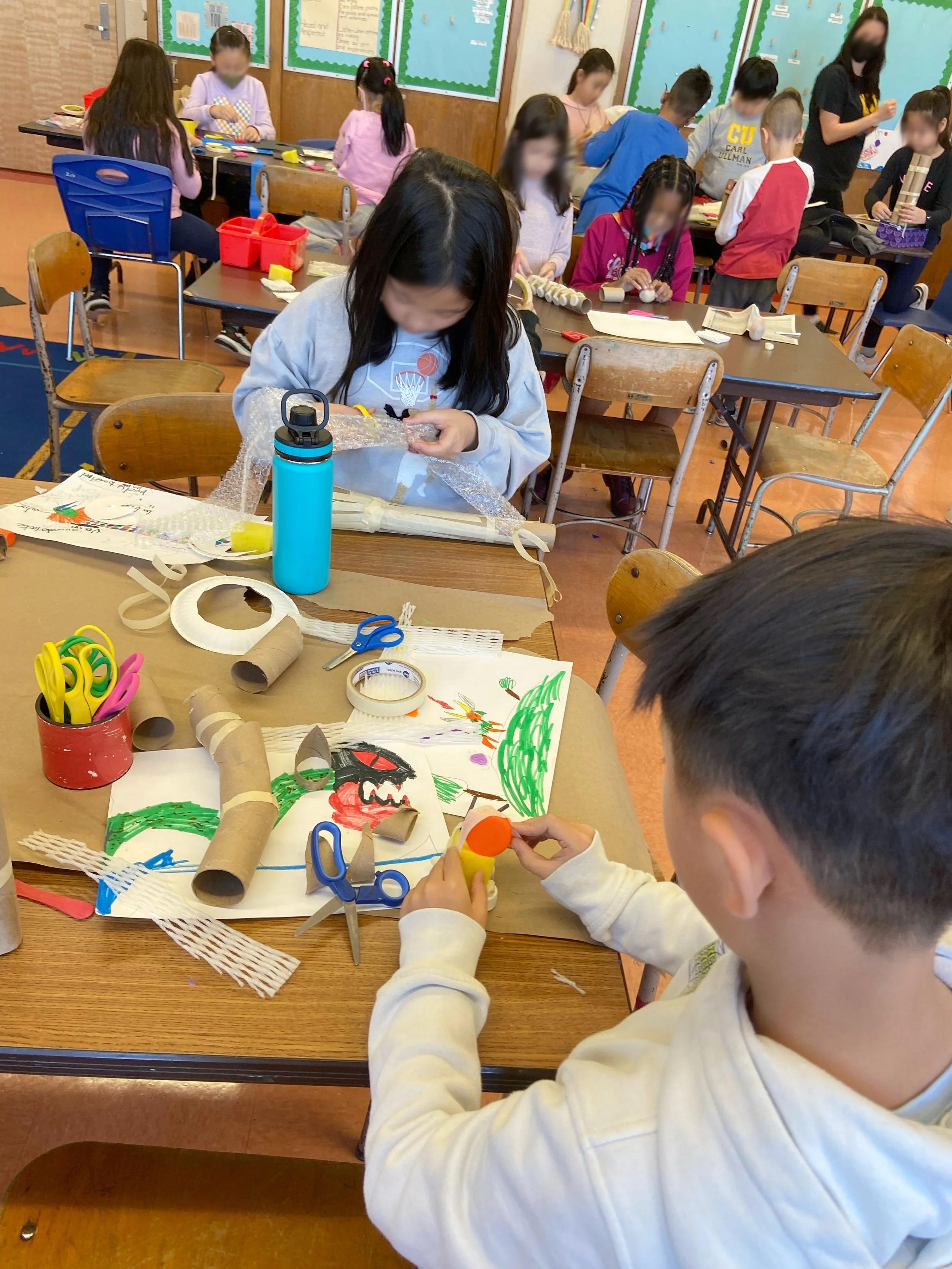
Imaginary Animal
Lesson Objective:
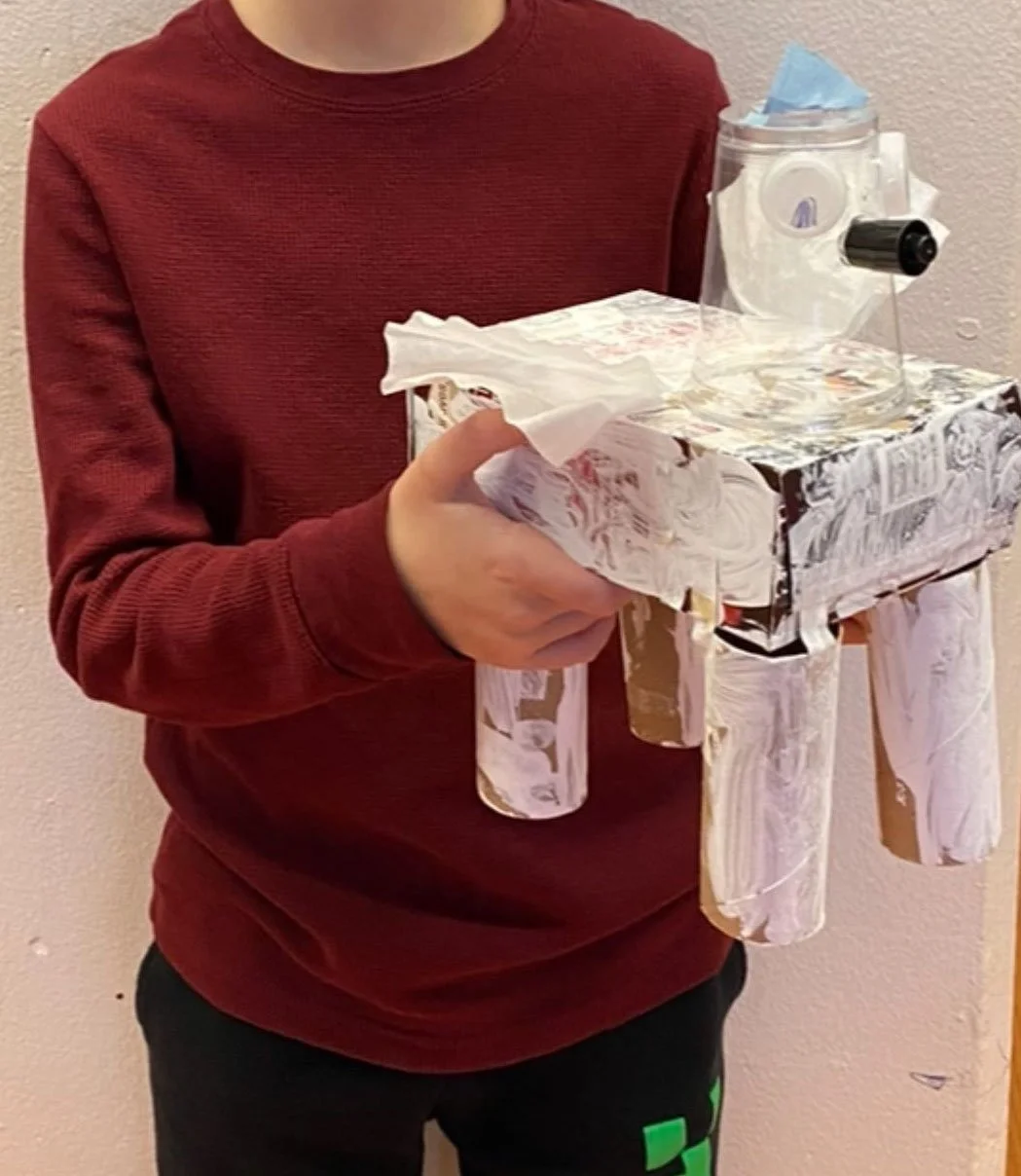
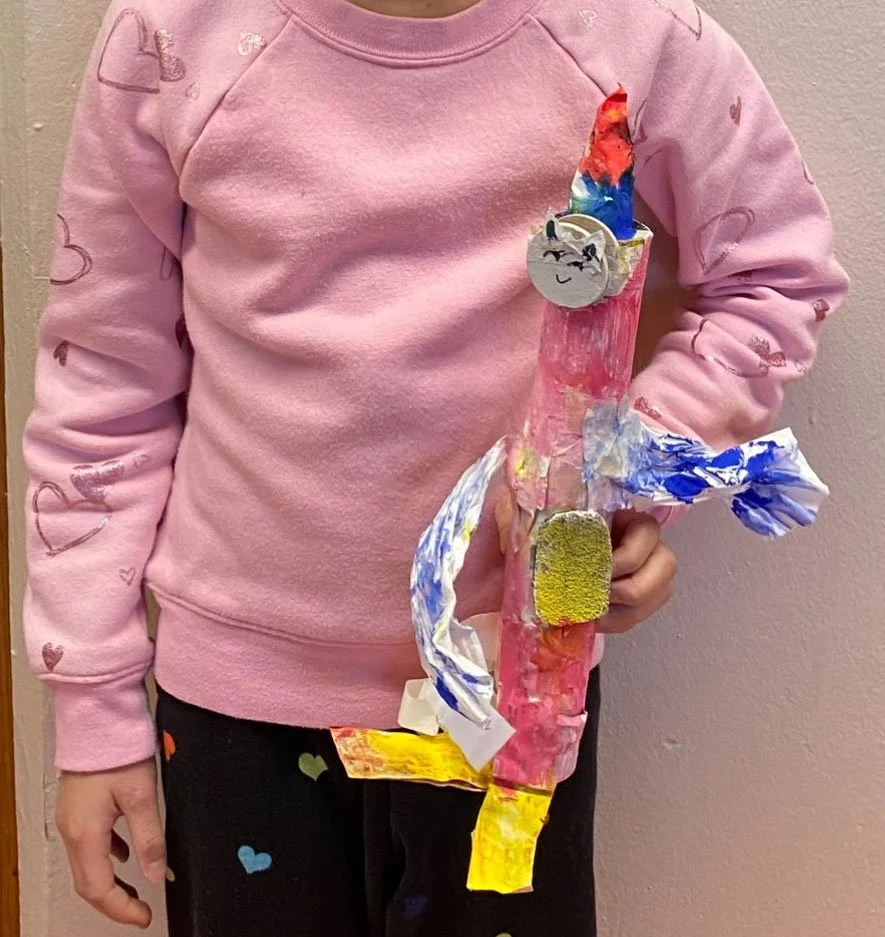
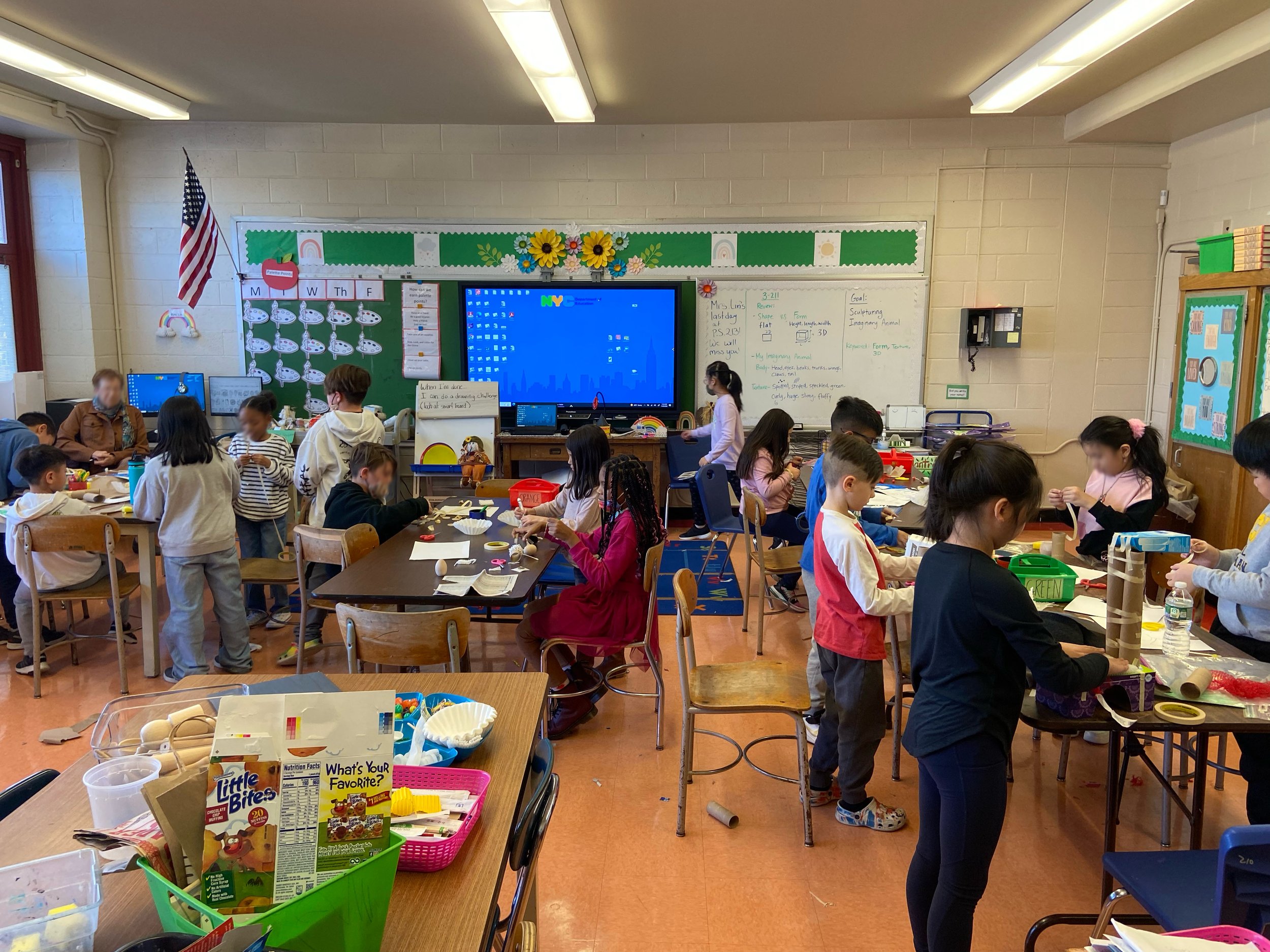
Students will explore the artwork of Ellen Lanyon and construct a three-dimensional imaginary animal using found and recycled materials, demonstrating an understanding of form (3D shape) and texture.
Elements of Art: Form, Texture, Shape, Line, Color
Essential Question:
How does artists use imagination and creativity in their explorations and development of ideas and images?
Differentiated Instruction:
Modification – Physical Challenges: Provide binder clips to hold paper together while glue dries to reduce hand fatigue. Offer small Styrofoam balls that students can use for animal body parts.
Student Choice / Explore: What materials work best together to build structure and texture?
National Core Arts Standards:
VA:Cr2.1.3a – Create personally satisfying artwork using a variety of artistic processes and materials.
VA:Cr1.2.3a – Apply knowledge of available resources, tools, and technologies to investigate personal ideas through the art-making process.
VA:Cr1.1.3a – Elaborate on an imaginative idea.
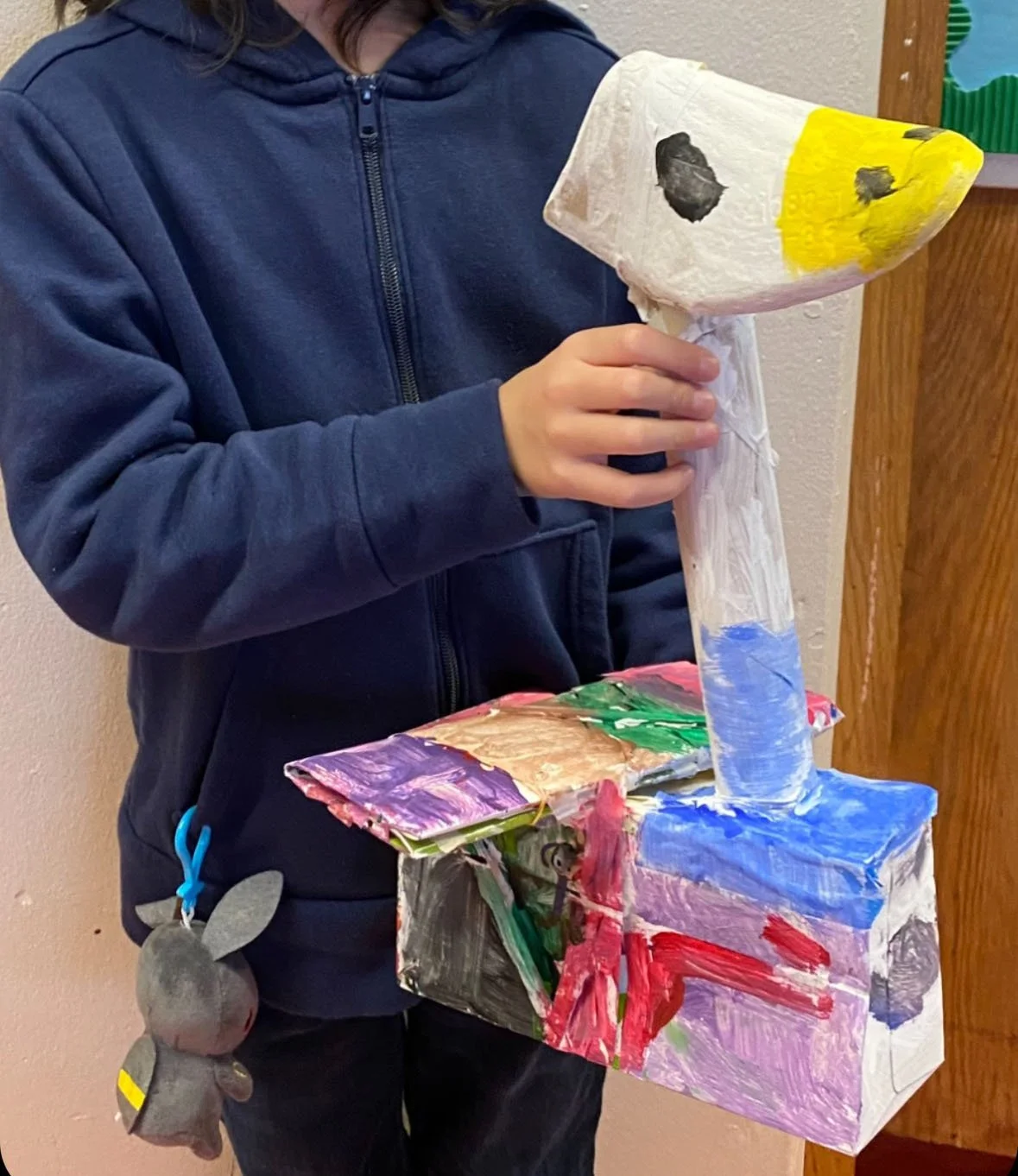
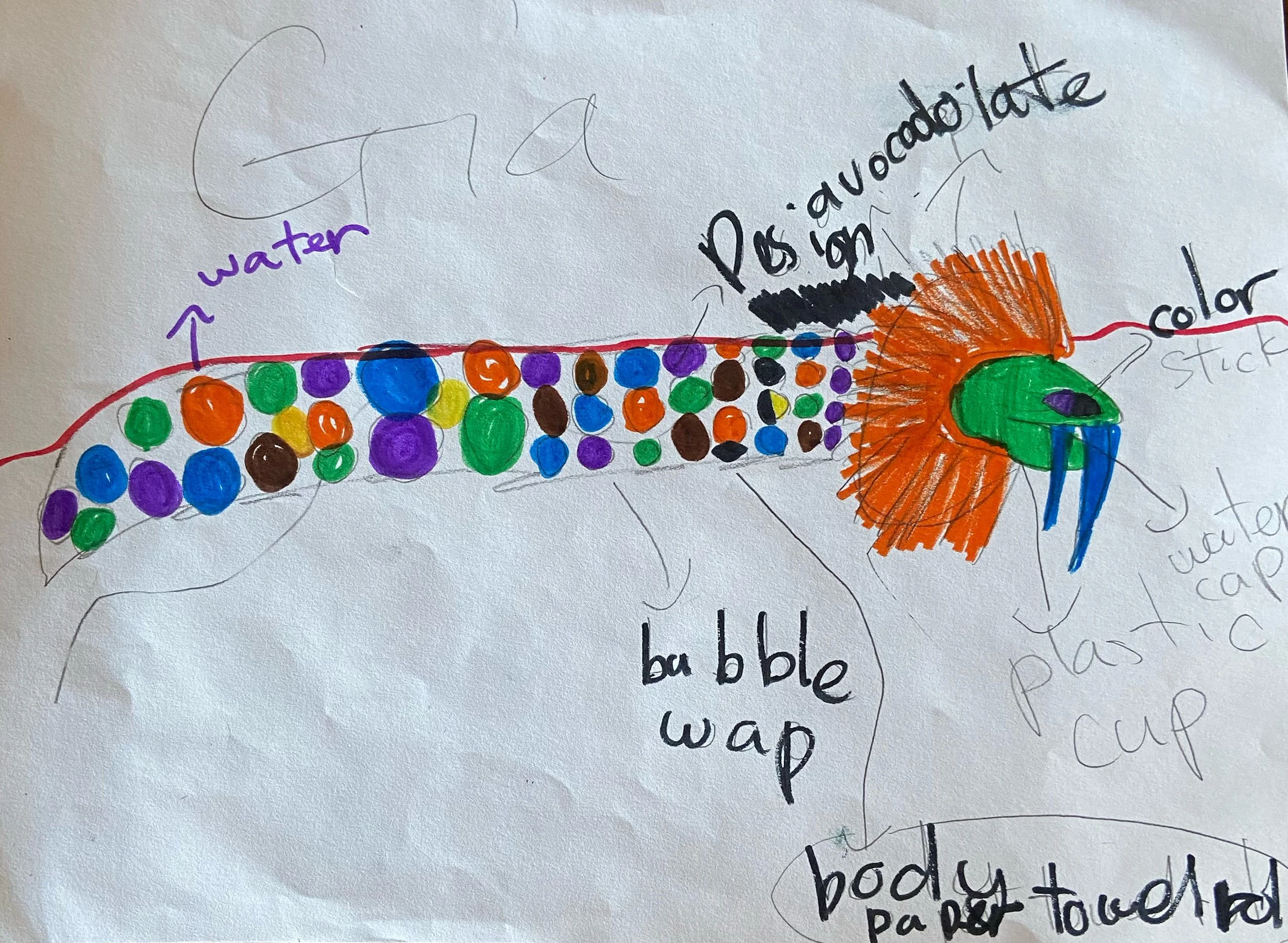
Students learn to label materials and plan their use in advance.
Kindergarten
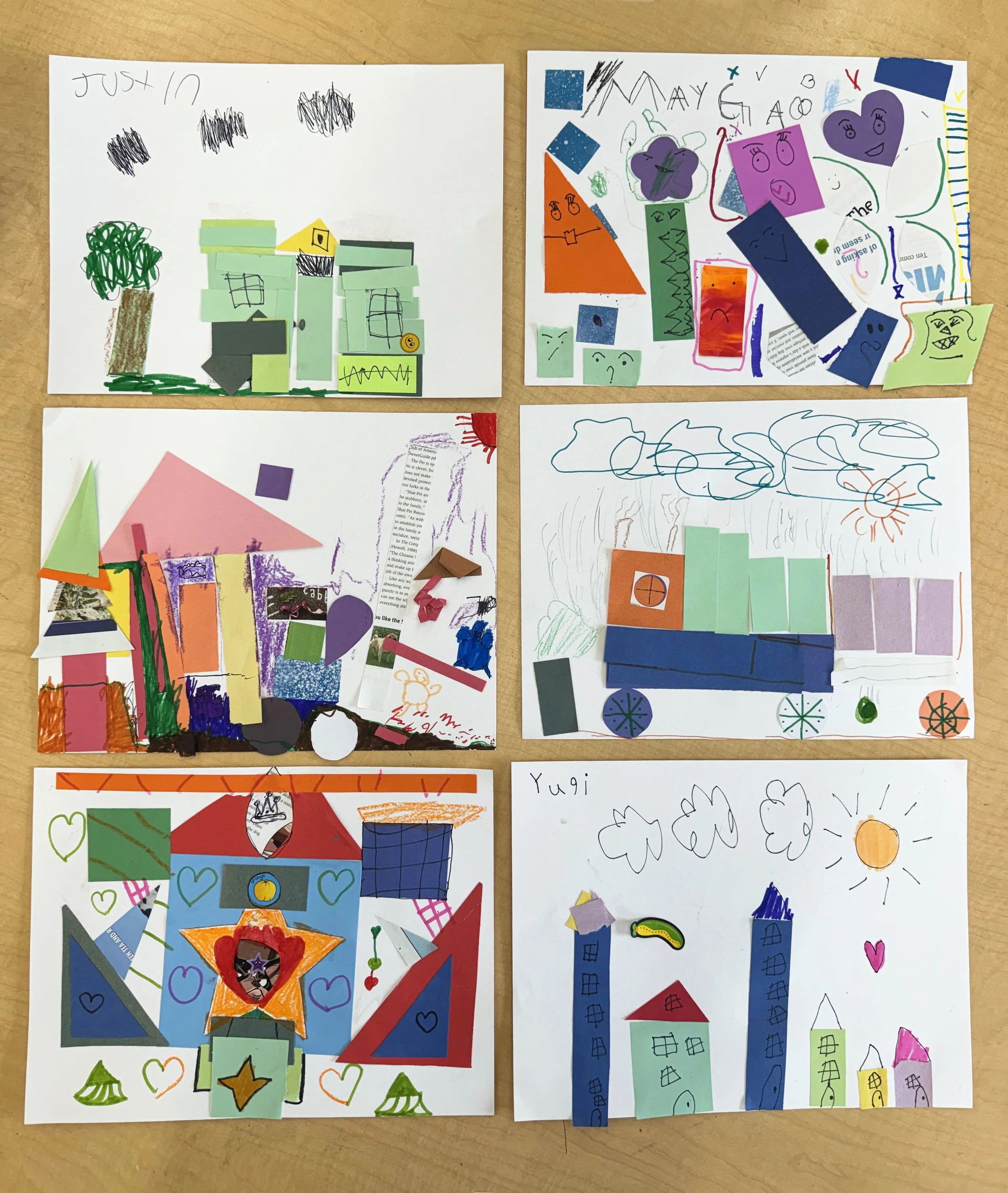
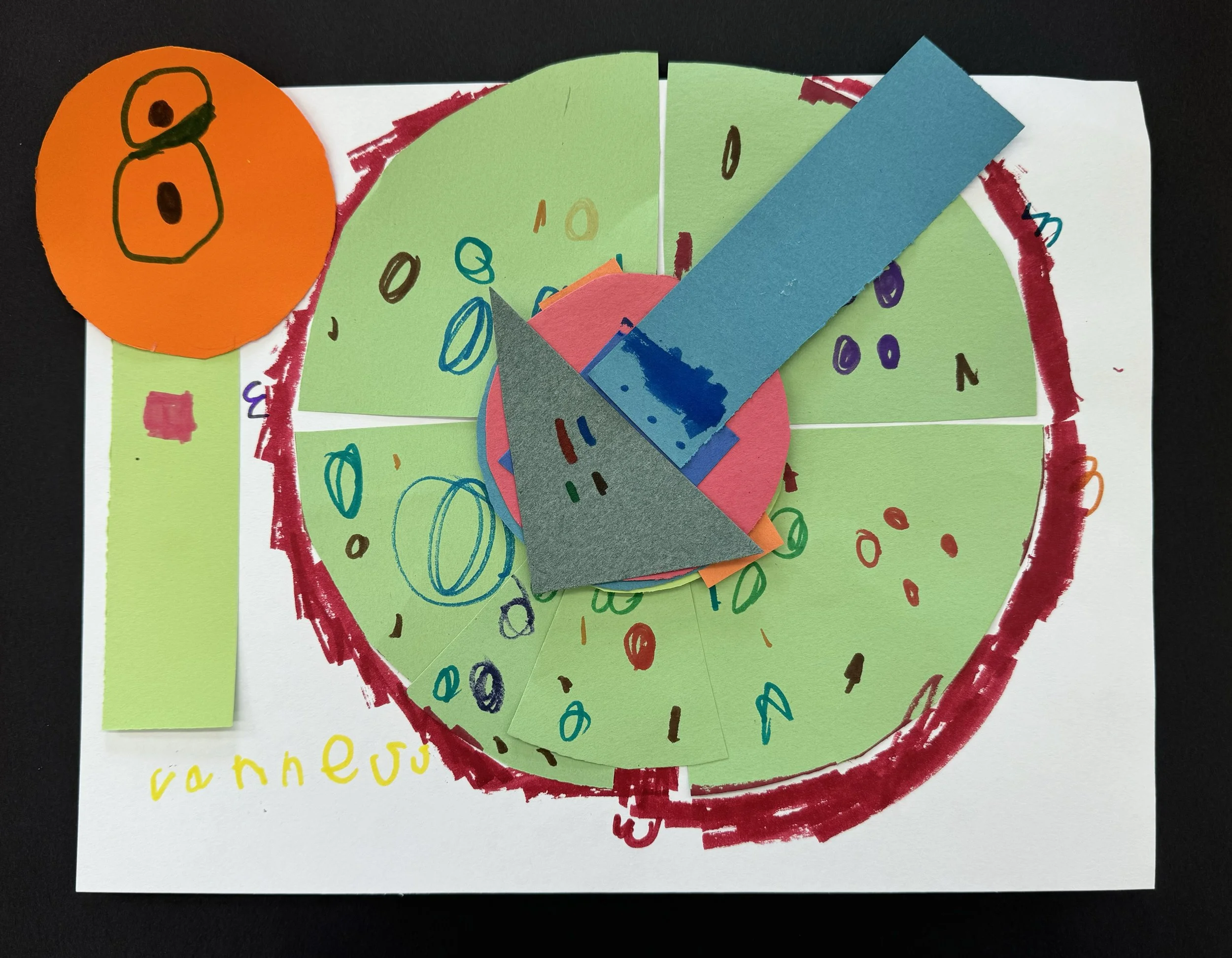
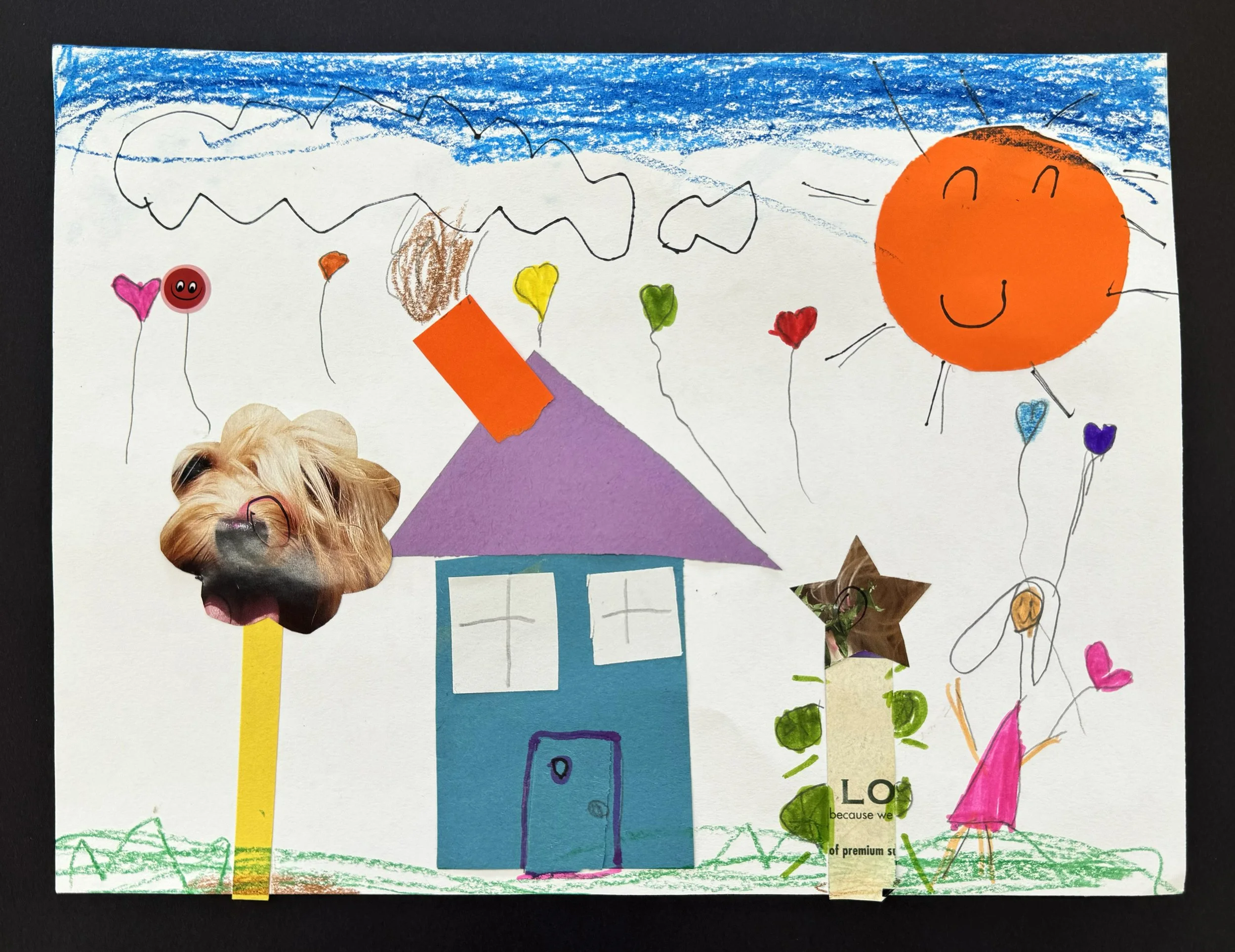
Exploring Shape Collage
Learning Objective:
Students learn the definitions of shapes, explore hexagons and semicircles, and create a collage using glue and scissors to develop fine-motor skills and imagination.
Elements of Art: Shape, Line
Principals of Design: Pattern / Repetition, Balance, Unity
Children’s Book: The Shape of Things by Dayle Ann Dodds
Q:How can shapes be used to make different things?
National Core Arts Standards:
VA:Cr1.1.Ka – Engage in exploration and imaginative play with materials.
VA:Cr2.1.Ka – Through experimentation, build skills in various media and approaches to artmaking.
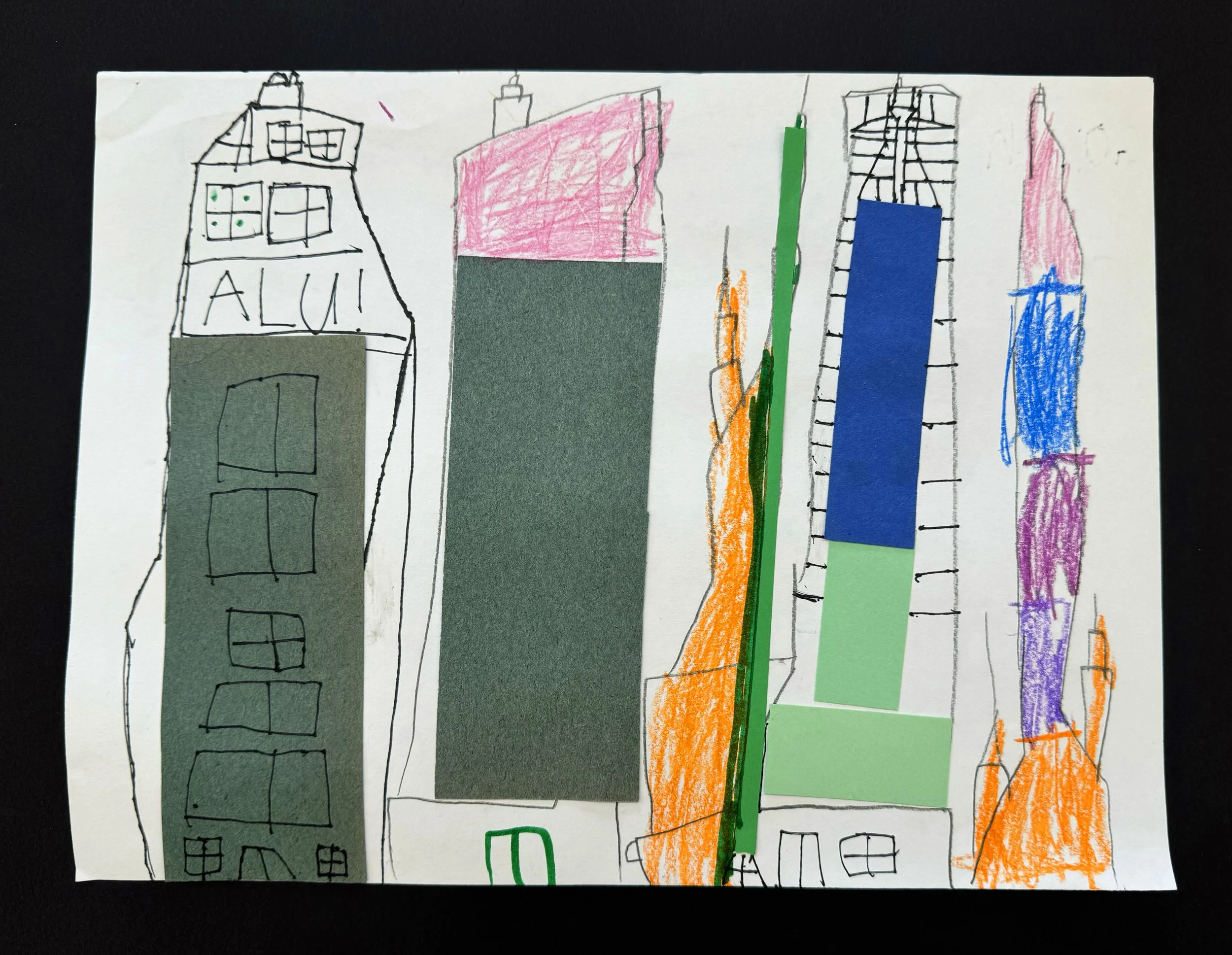
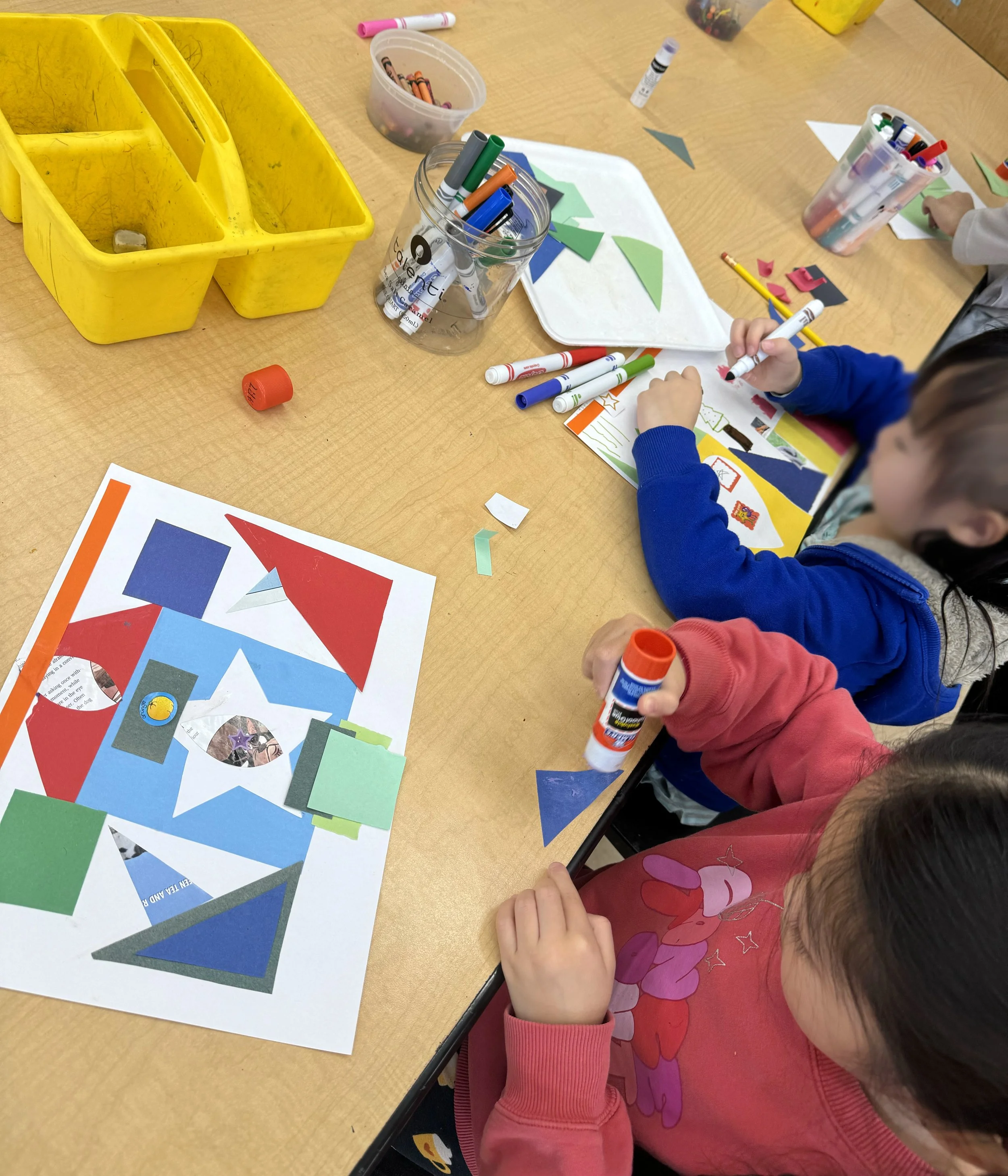
Differentiated instruction:
- Provide pre-cut shapes or thicker paper that is easier to cut.
- Use adaptive or spring-loaded scissors.
- Allow tearing instead of cutting.
- Pair students for peer modeling
- Pre-teach vocabulary (cut, glue, shape, collage) with visuals
- Encourage storytelling about their collage (“What is happening in your picture?”)
Grade 2
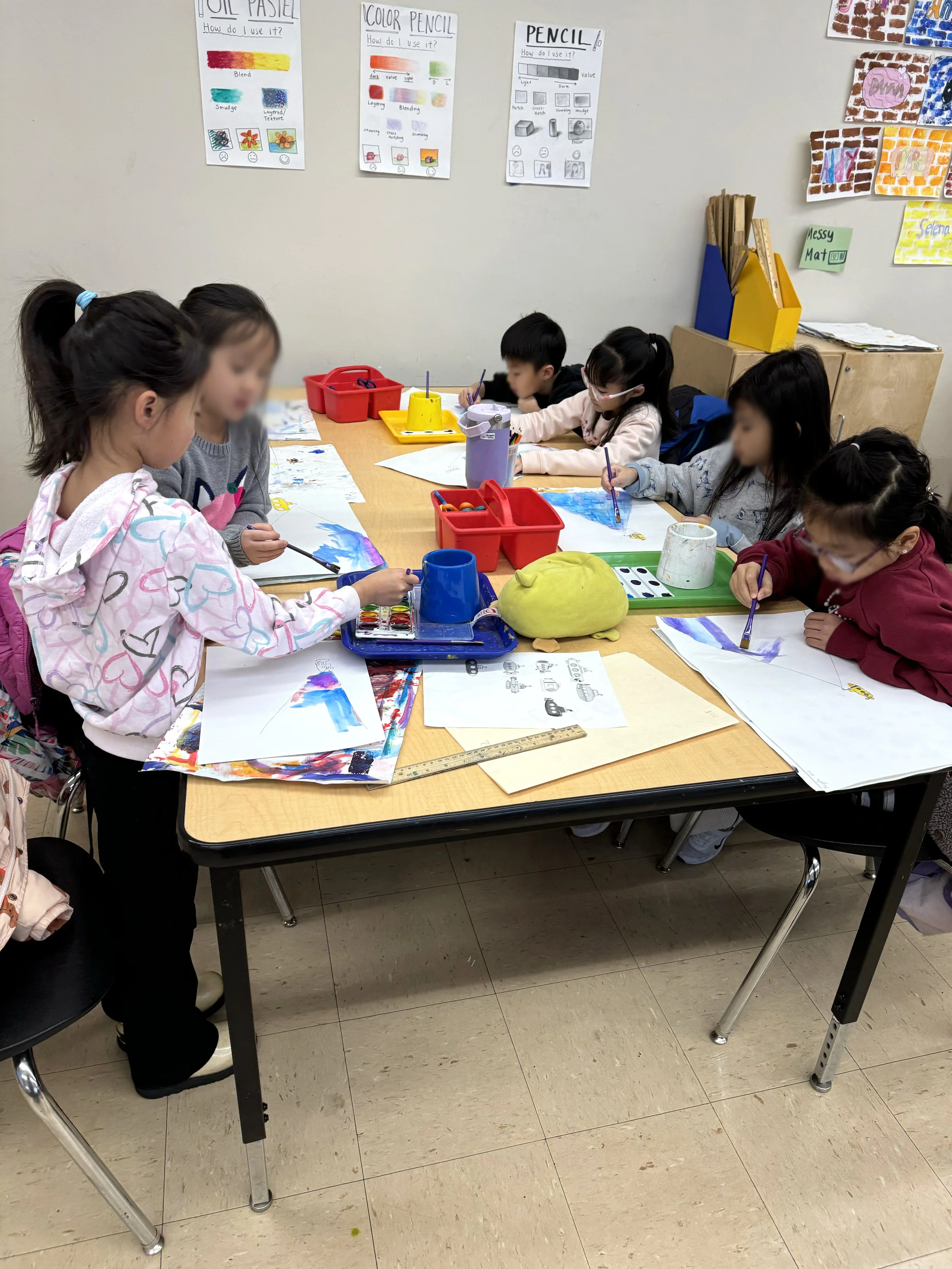
Deep Sea
Learning Objective:
Students identify and compare warm and cool colors and explain how color can create mood in artwork. They practice blending cool colors using watercolor techniques to create an imaginative deep-sea discovery scene.
Essential Question:
How do cool colors help create a mood in a seascape?
Cross-curricular connections: Science/Geography
Elements of Art: Color, Value
Principals of Design: Mood / Expression, Contrast
National Core Arts Standards:
VA:Re8.1.2a – Interpret art by identifying the mood suggested by a work of art and describing relevant subject matter and characteristics of form.
VA:Cr1.1.2a – Make art or design with various materials and tools to explore personal interests, questions, and curiosity.
VA:Cr2.2.2a – Demonstrate safe procedures for using and cleaning art tools, equipment, and studio spaces.
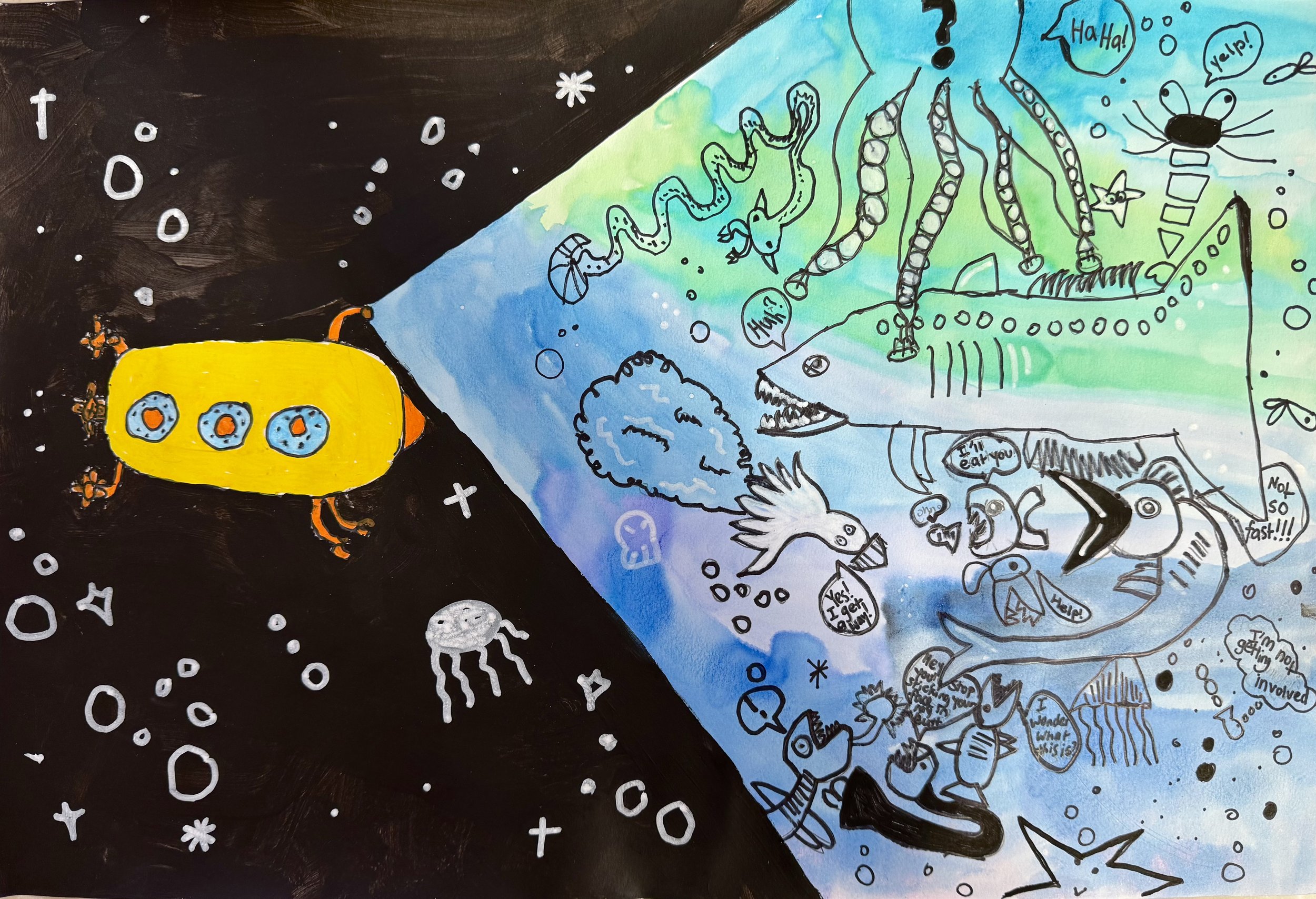
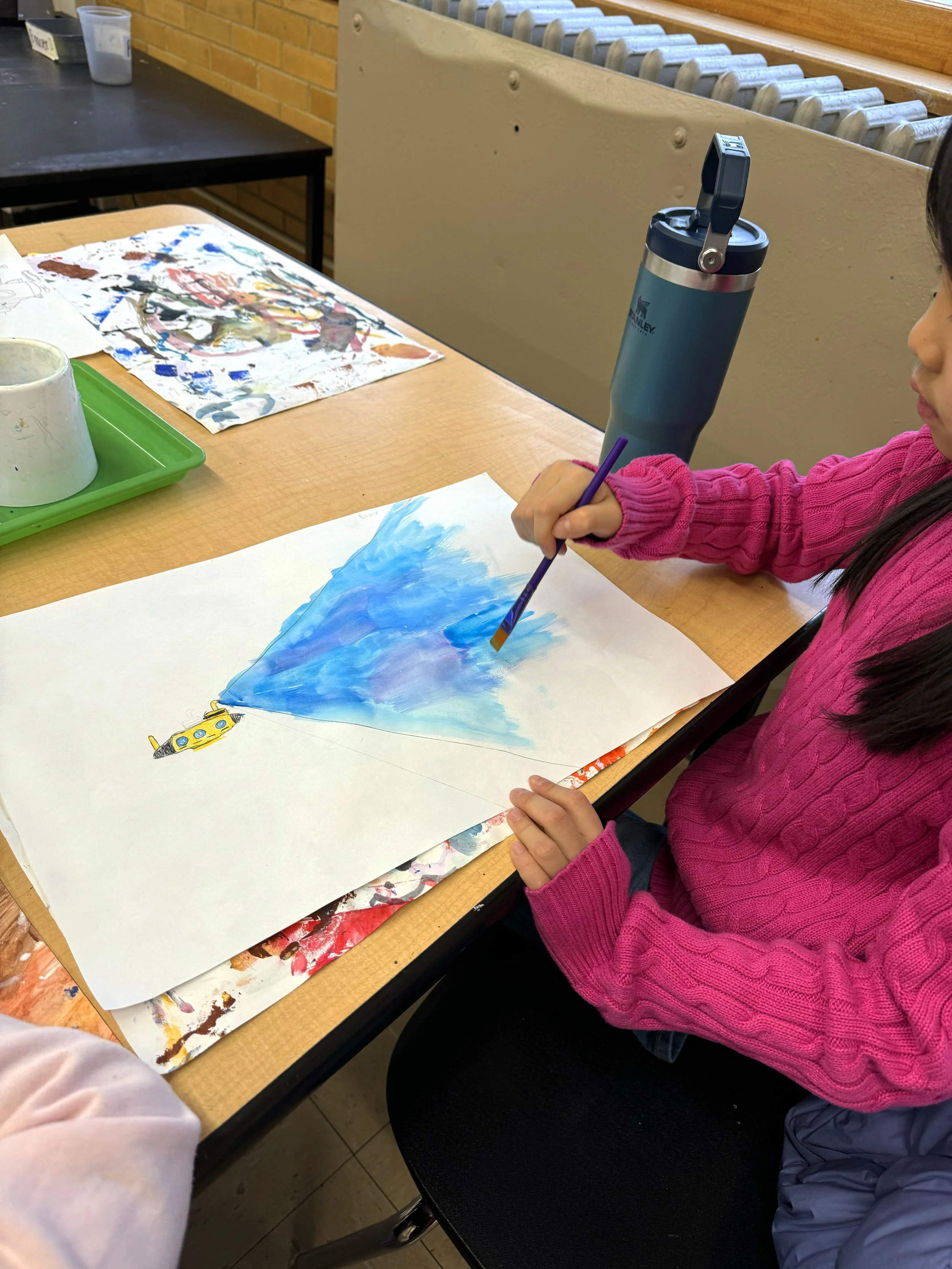
Differentiated instruction:
- Provide step-by-step visual demonstrations (wet-on-wet, color blending)
- Encourage mixing two cool colors to create new shades
- Pre-teach vocabulary with visuals (cool colors, blend, seascape)
- Enrichment: Explore real ocean photography as inspiration
Grade 5
Mixed media, Collage
Learning Objective:
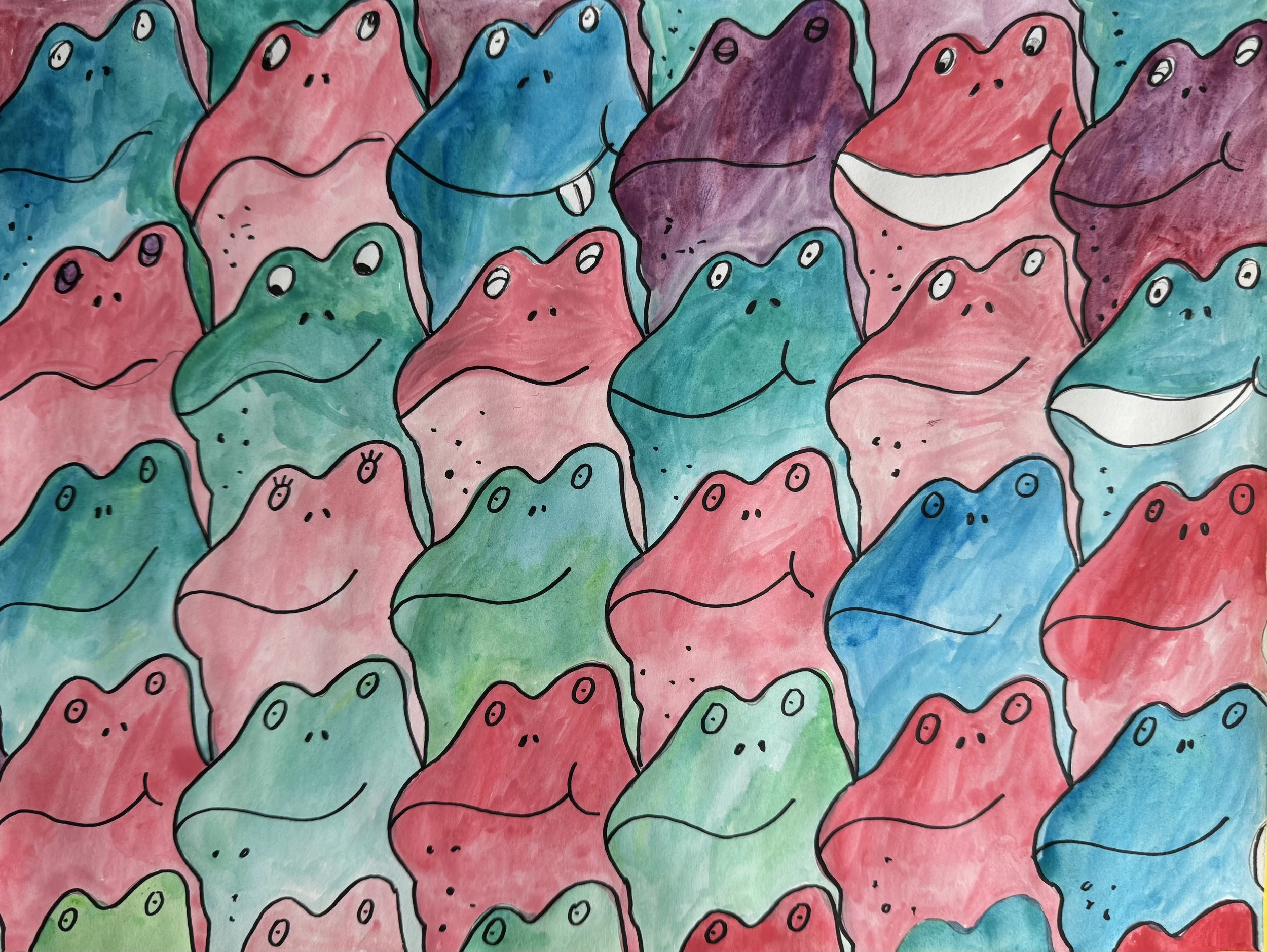
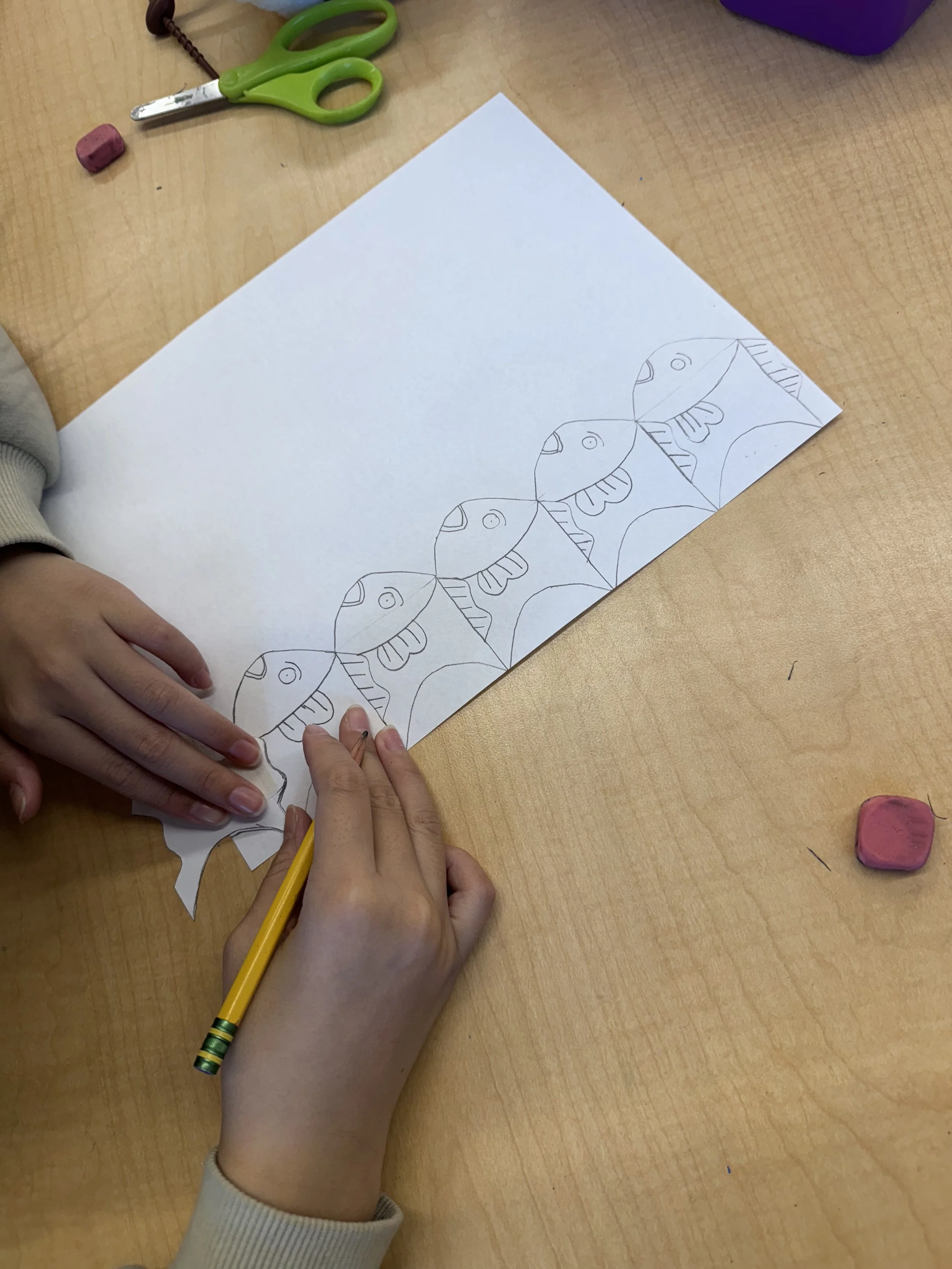
Students examine how Maurits Cornelis Escher used geometric transformations, symmetry, and spatial reasoning to create tessellations, and apply those mathematical concepts to design their own translated tessellation.
Big Idea:
Artists use symmetry, transformations, and spatial reasoning to create patterns, connecting art and math.
Core Connection: Math
Elements of Art: Shape, Line, Space
Principals of Design: Symmetry / Balance, Pattern / Repetition, Unity
Grade 2/3
Complementary Colors
Elements of Art: Color
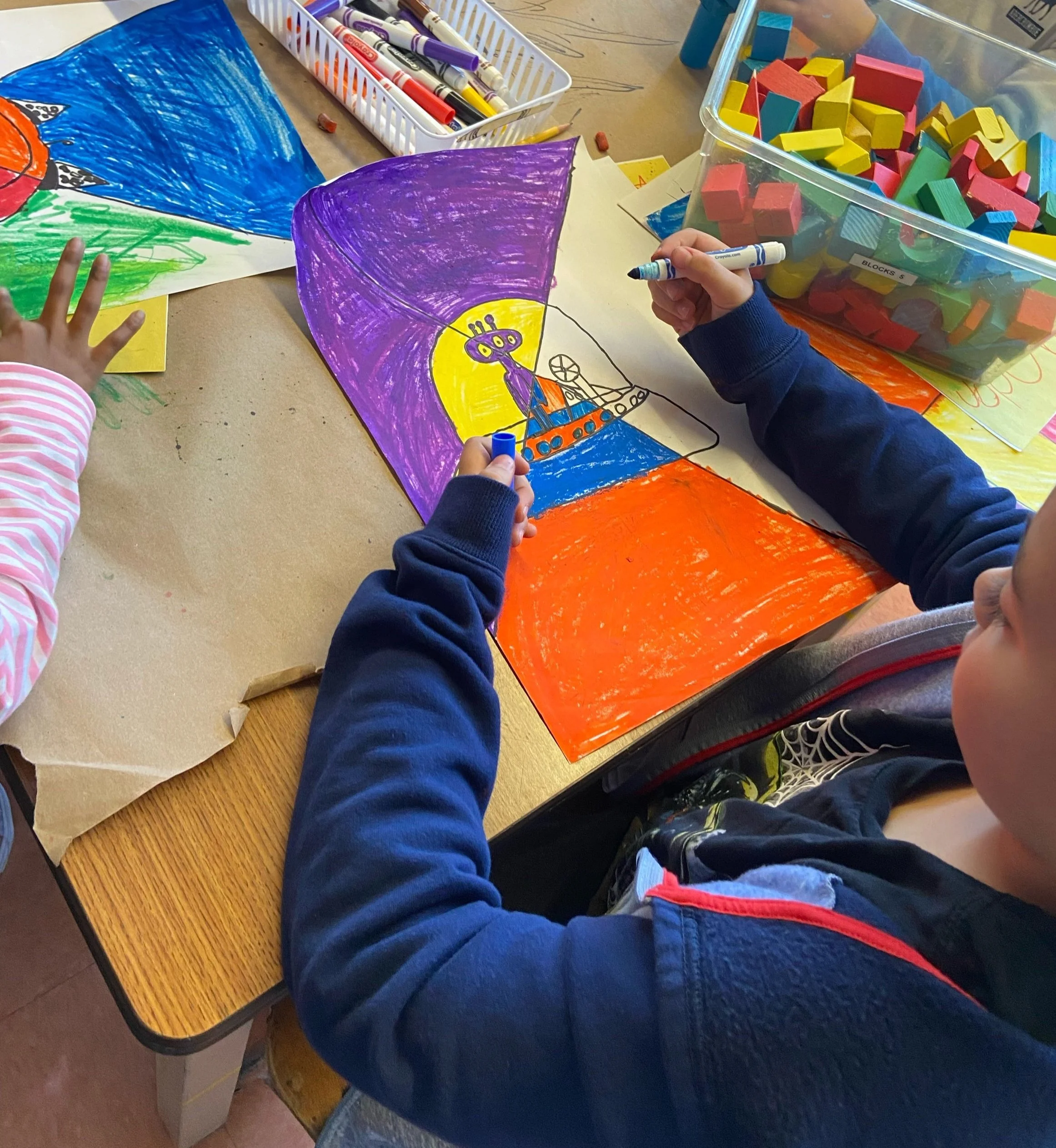
Students learned the definition of “complementary colors”. Students demonstrate that they can identify complementary colors as they create their choice-based artwork.
Artist/artwork studied:
Vincent Van Gogh’s Café Terrace at Night (1888 oil painting).
Q:Which color jumps out when you first see the piece?
A:Yellow’s complementary color is blue. When they are placed side by side, it creates a simultaneous contrast.
National Core Arts Standards:
VA:Cr1.2.2a – Make art or design with various materials and tools to explore personal interests, questions, and curiosity.
VA:Cr3.1.2a – Discuss and reflect with peers about choices made in creating artwork.
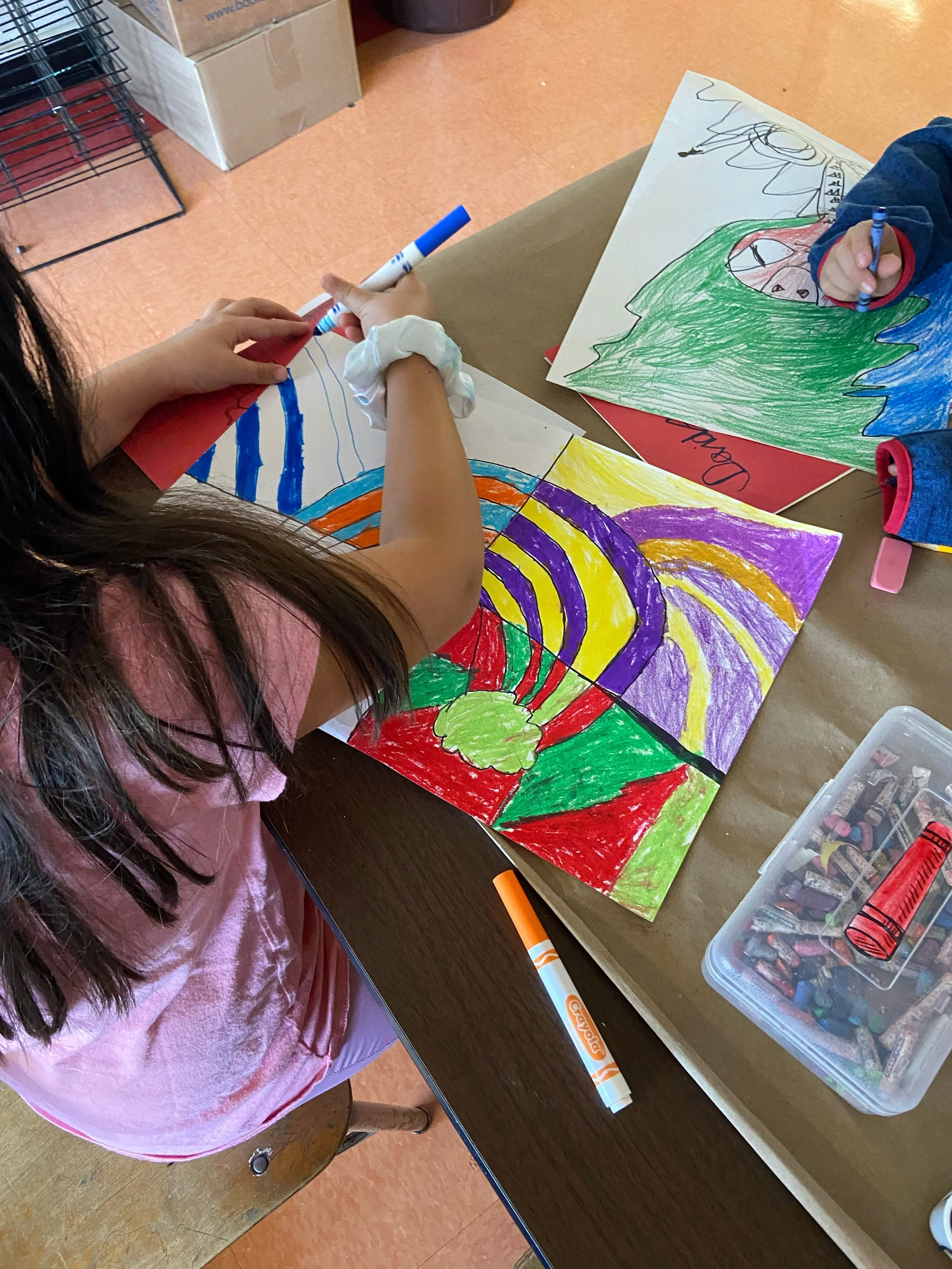
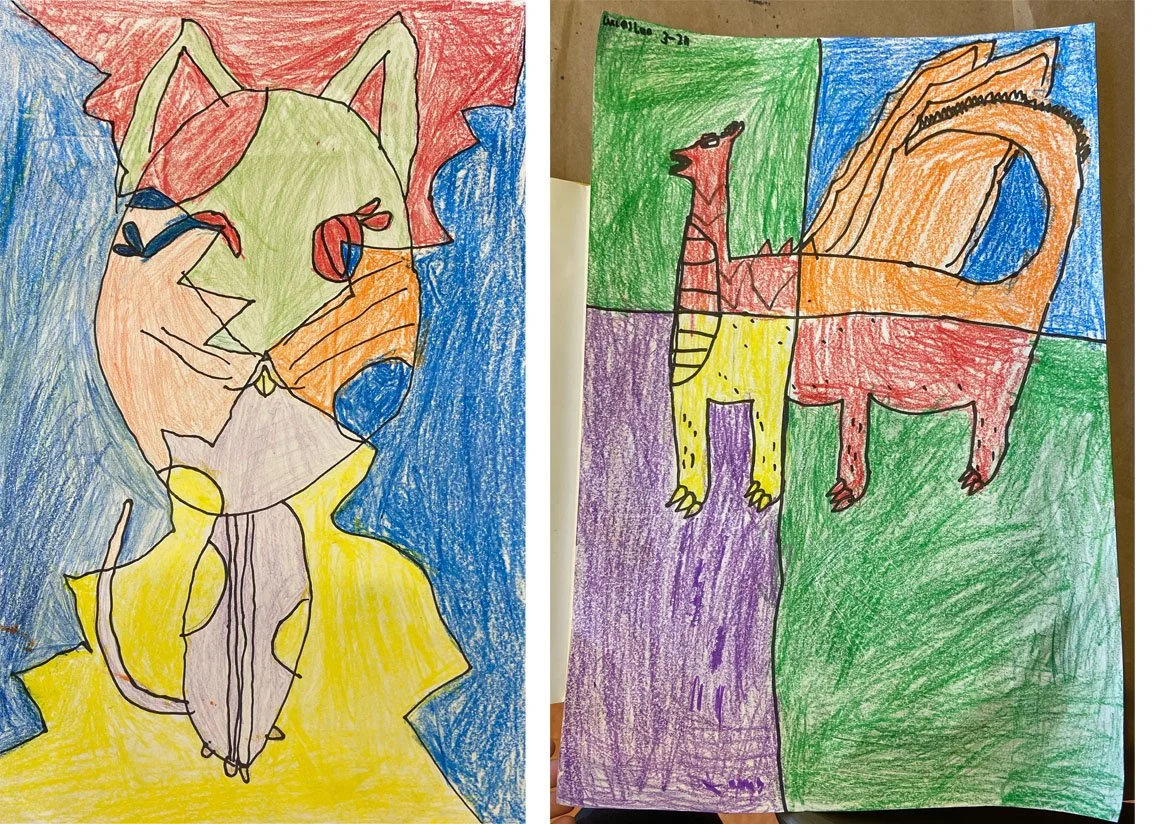
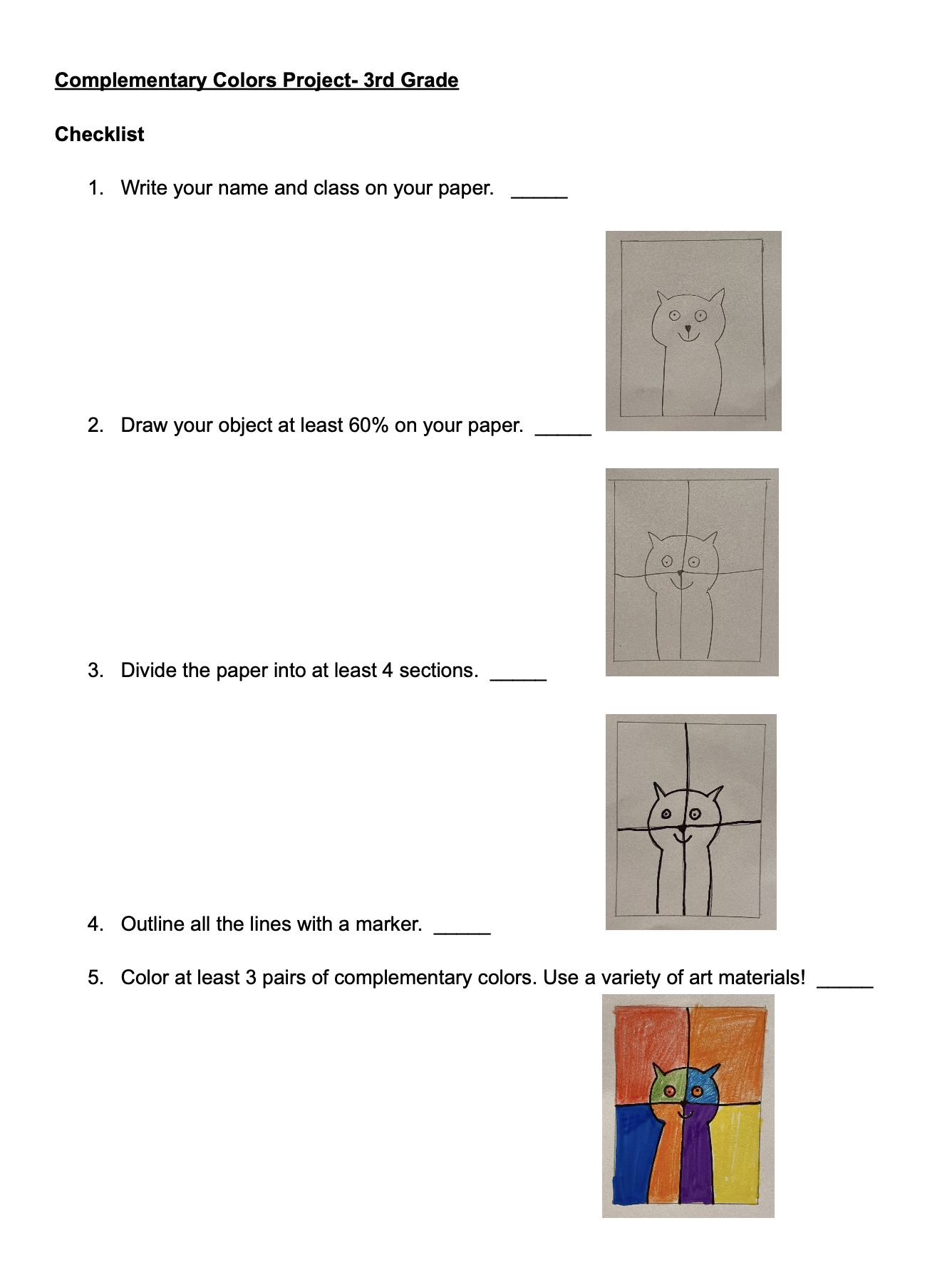
Differentiated instruction:
- A checklist with visual step-by-step instructions to accommodate ELL and students with attention or processing needs.
- Large color wheel displayed at tables.
Closure:
- Gallery walk
- Exit question: “What happens when opposite colors are placed next to each other?”
Grade 7
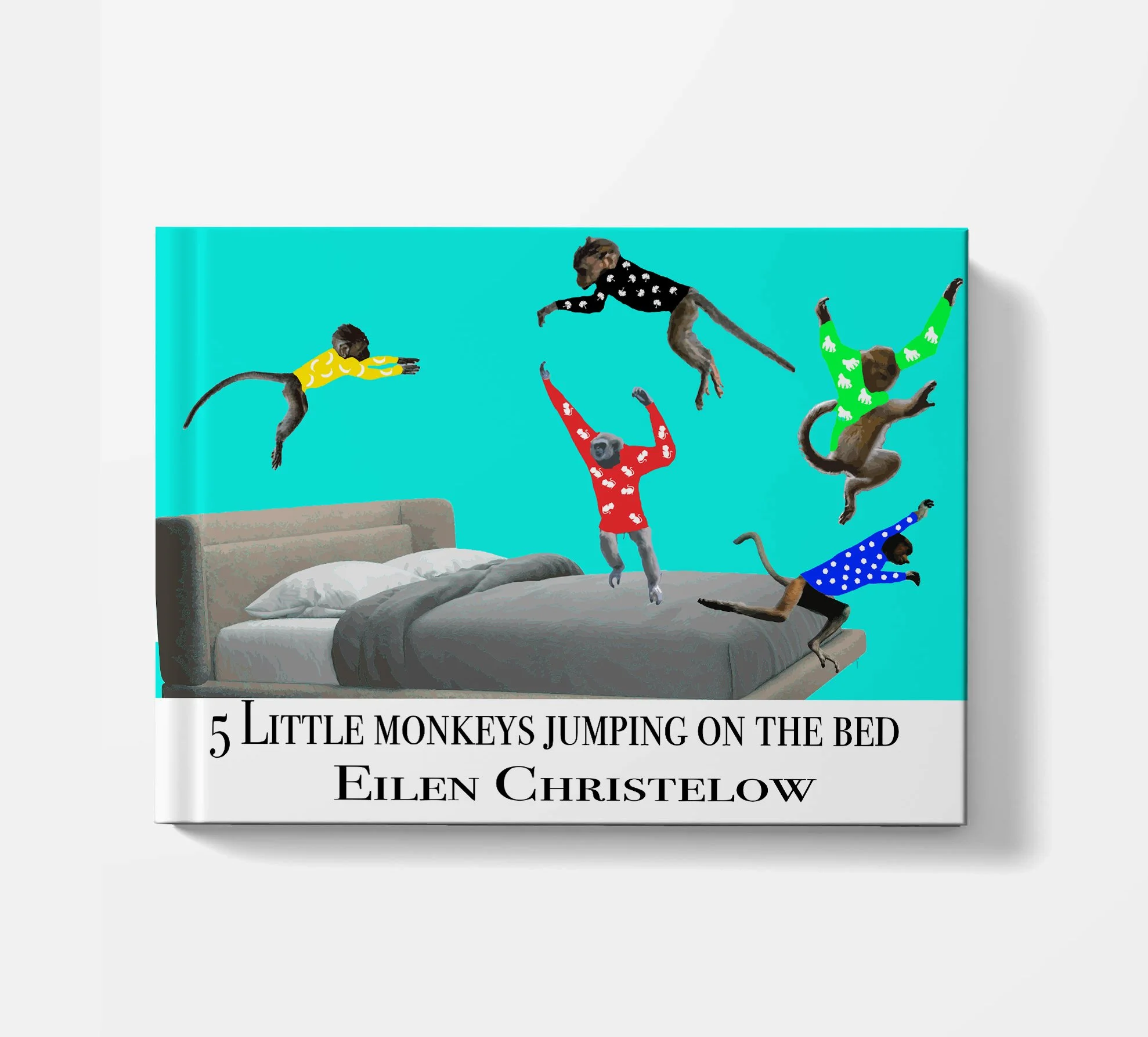
Book Cover Design
Software used: Adobe Illustrator & Photoshop
Students learned the concept of visual hierarchy in design and applied this concept by redesigning book covers that included a title, author name, and original imagery.
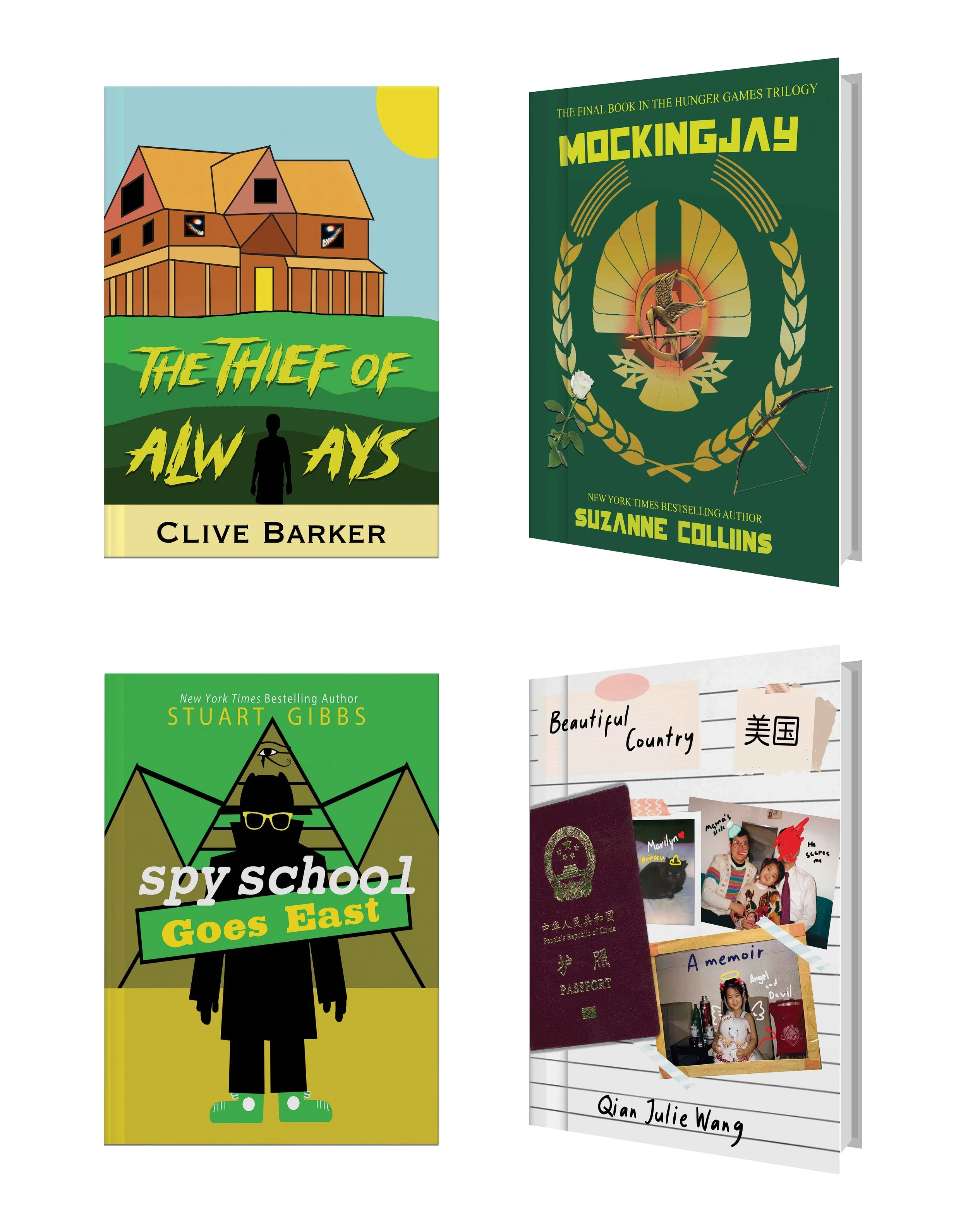
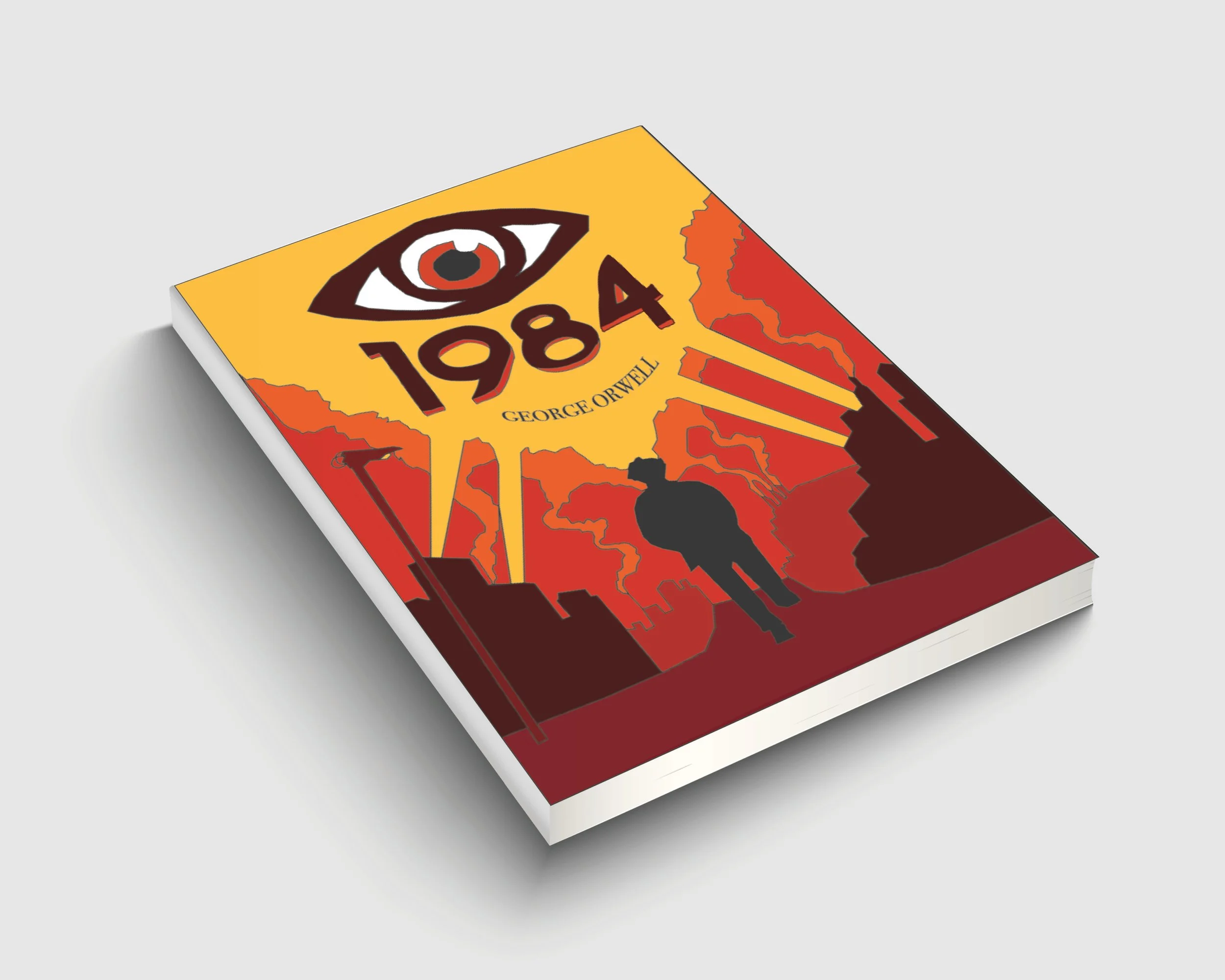
Selected students’ works.
Grade 6 & 7
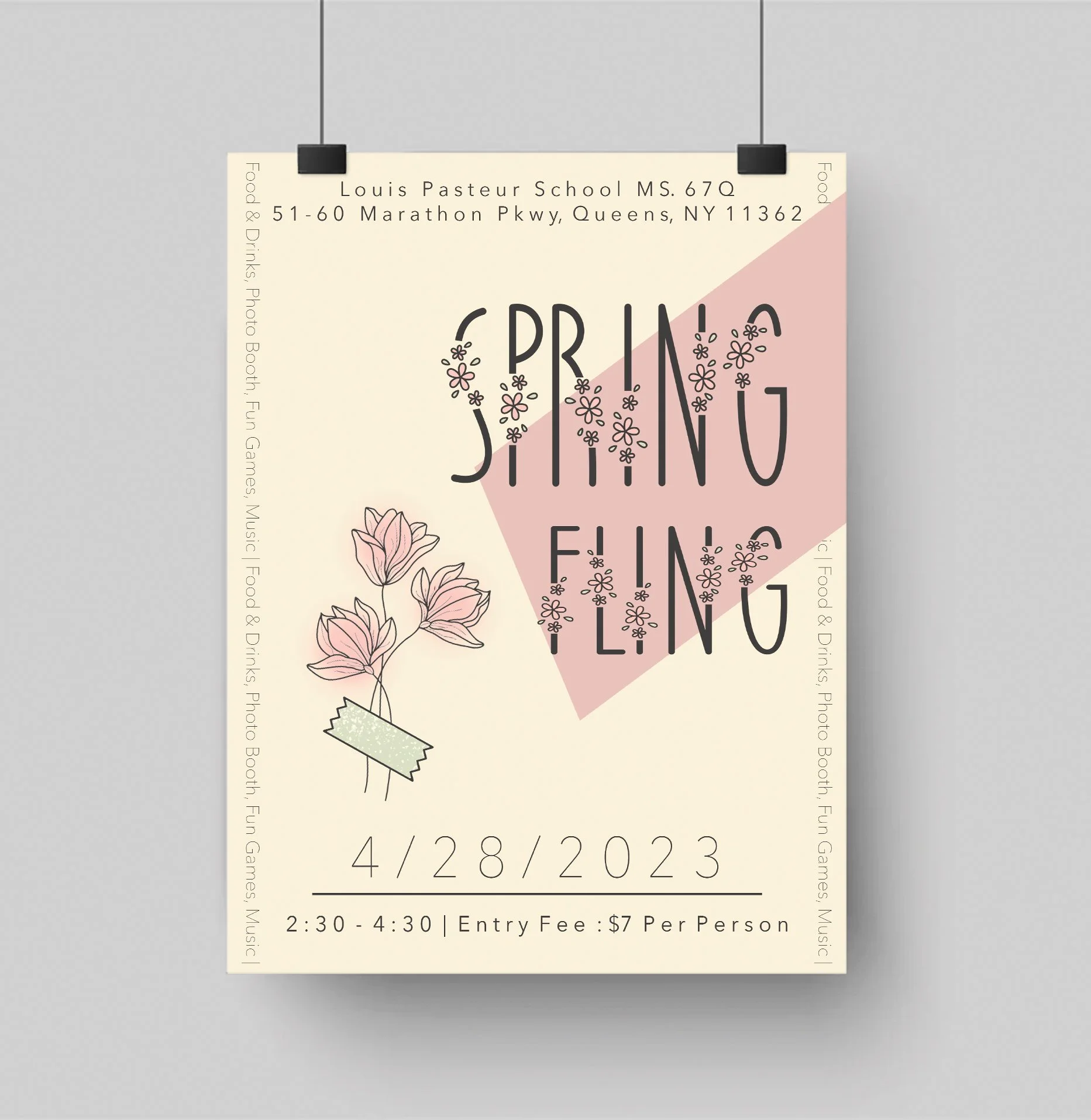
Event Flyer Design
Software used: Adobe Photoshop
Students learned how to select images that relate to their event, group text within or around those images, and choose and apply a color scheme using the Color Overlay tool.
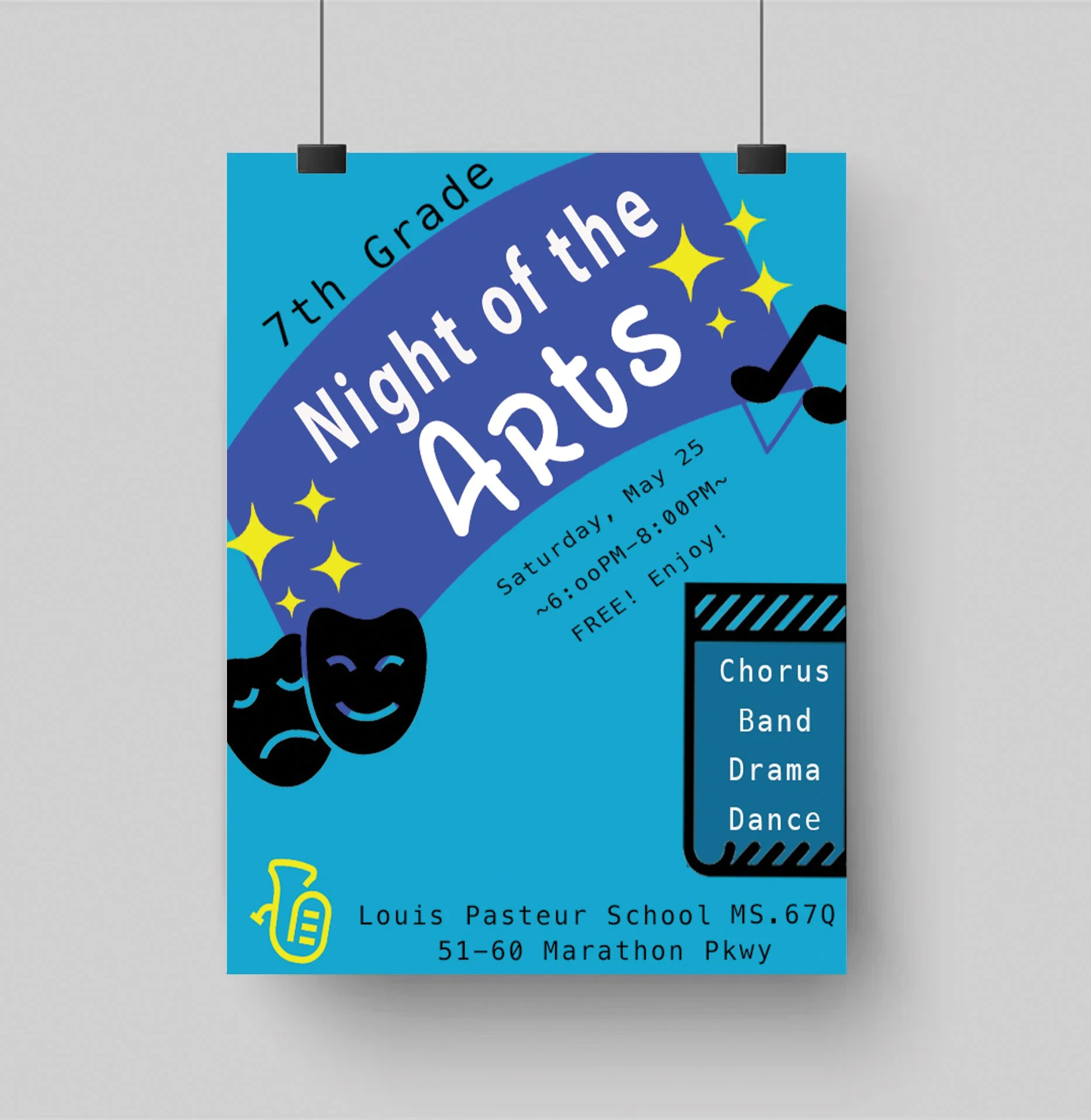
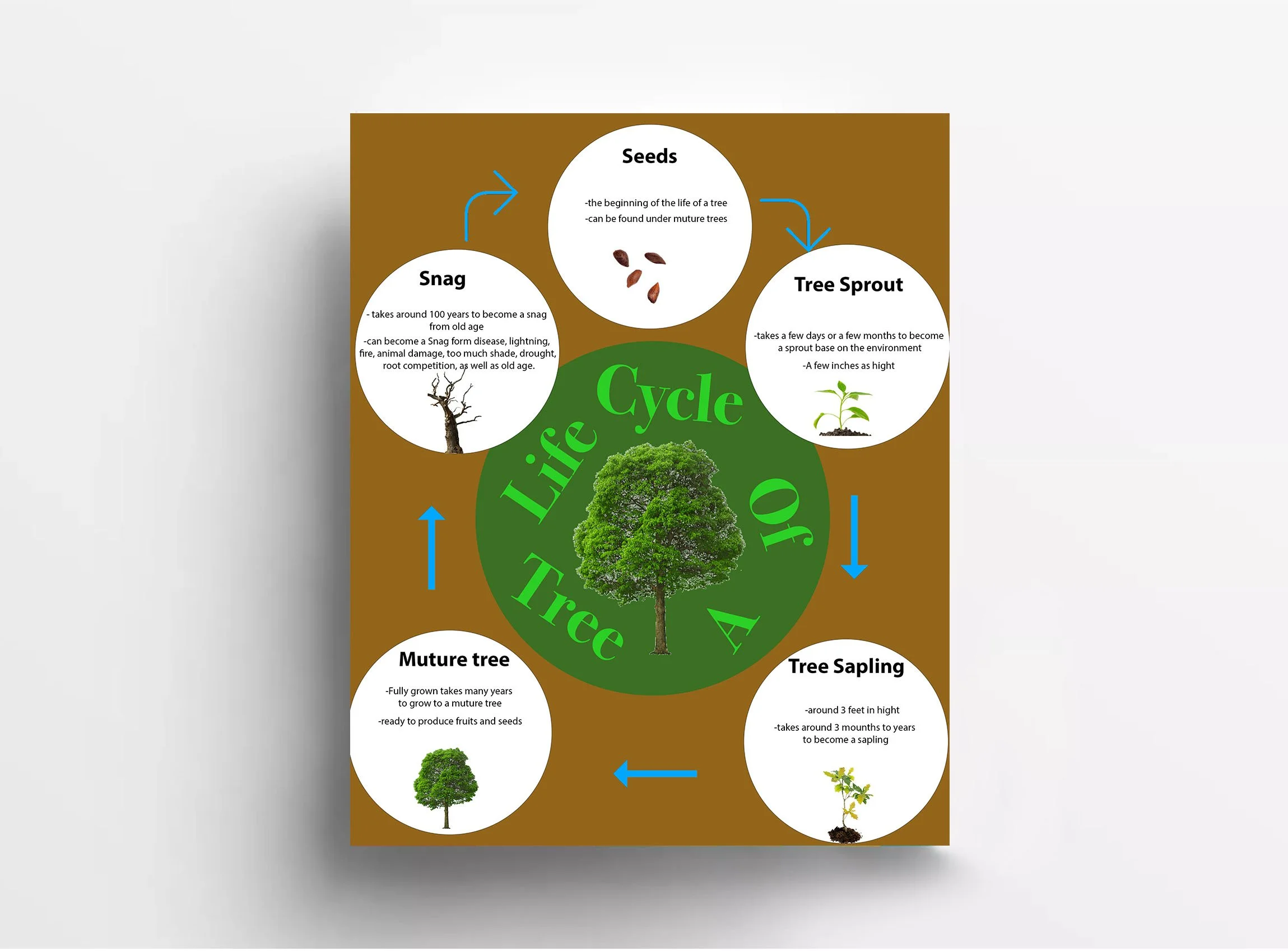
Grade 6 & 7
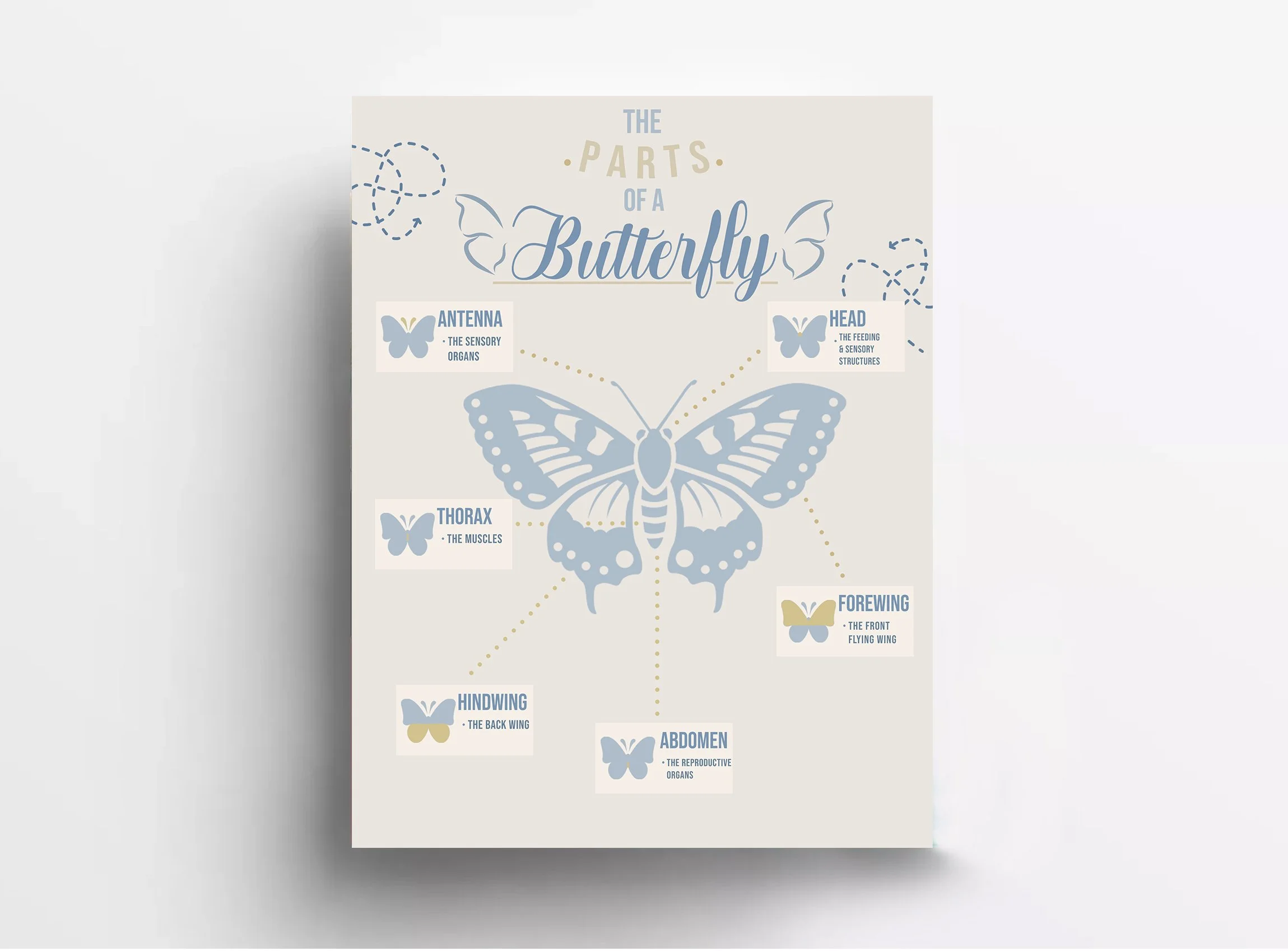
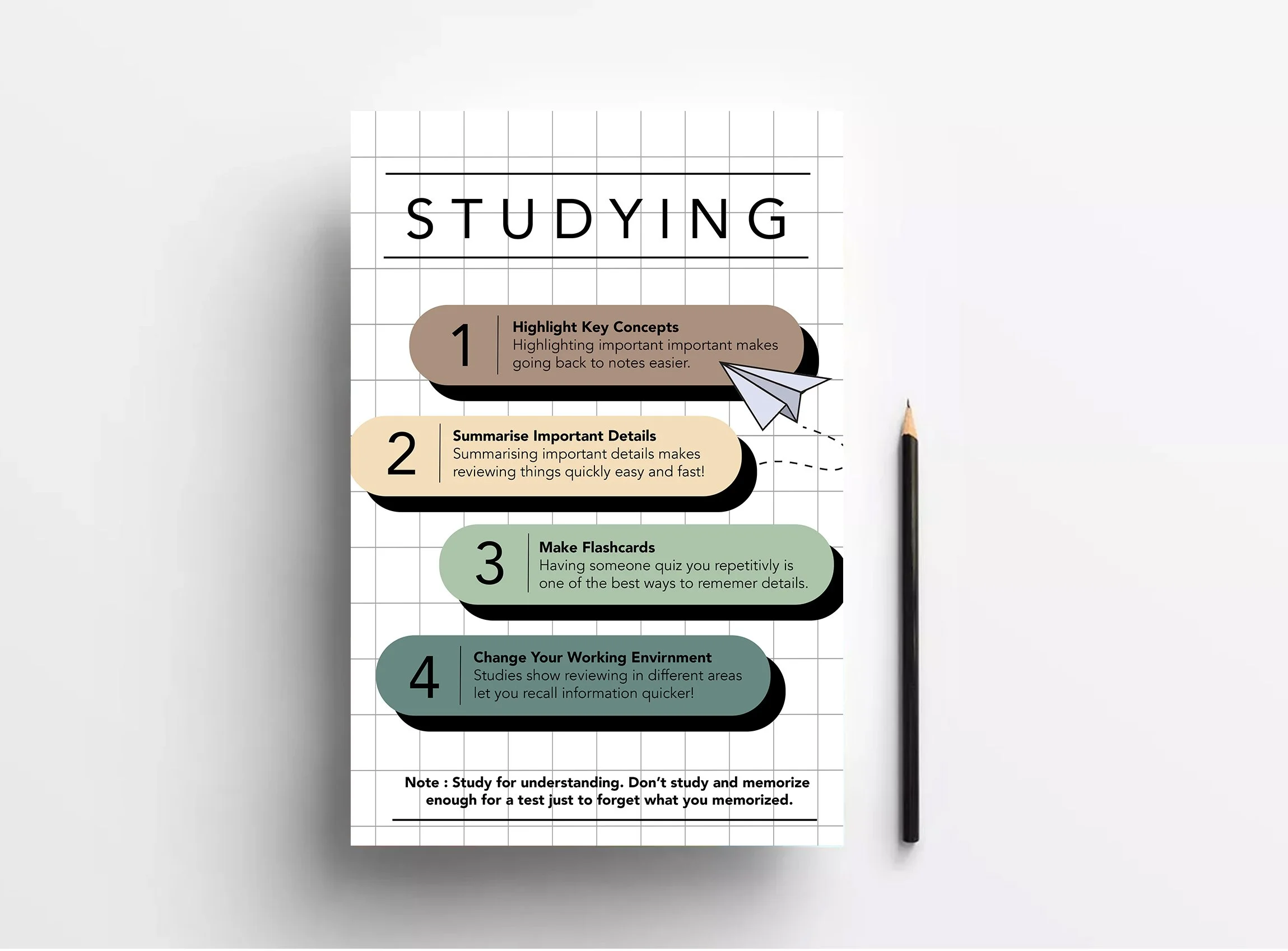
Infographic Design
Software used: Adobe Illustrator
Learning Objective: Students will design an infographic on a topic of their choice that demonstrates an understanding of layout, composition, and grouping using Illustrator.
Grade 6
Manipulative Image
Software used: Adobe Photoshop
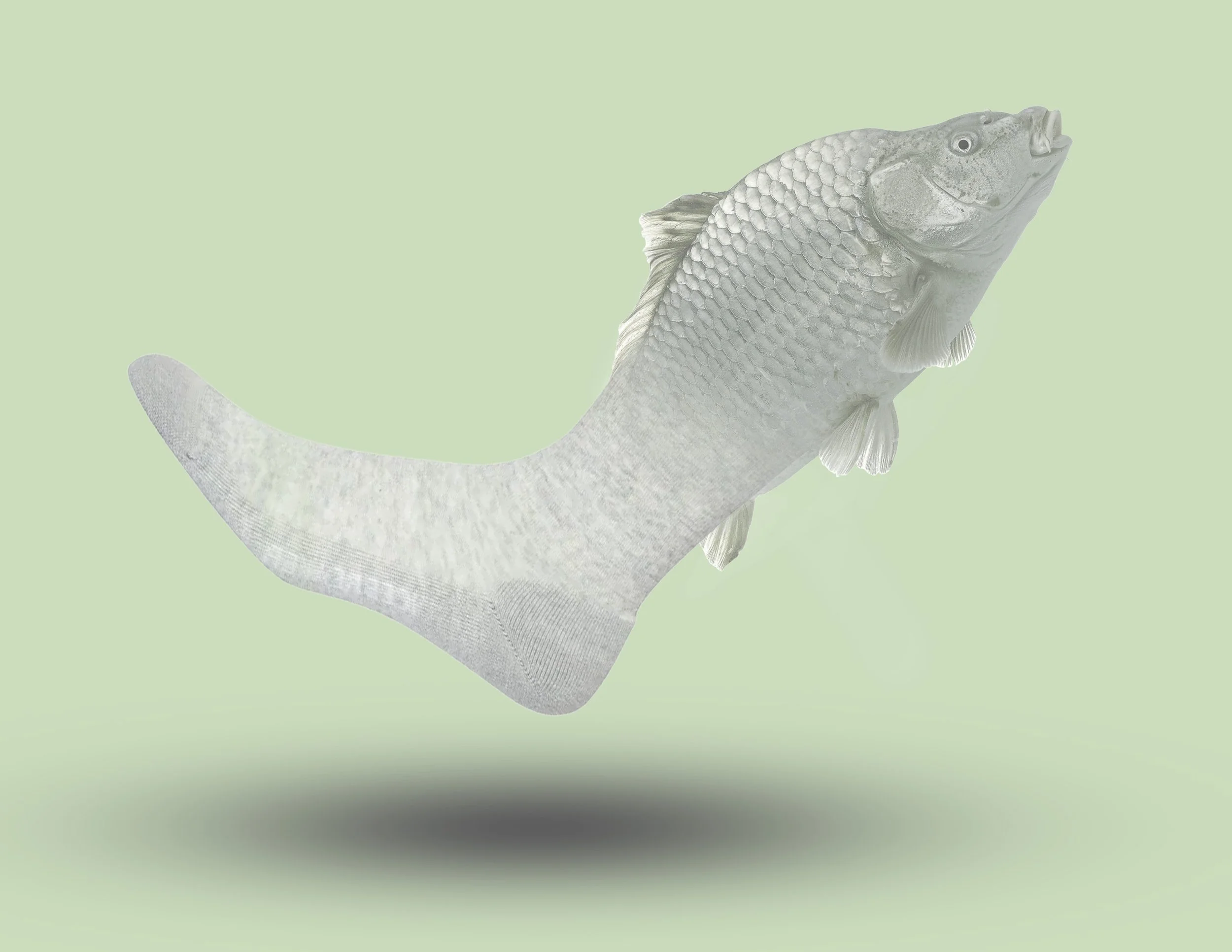
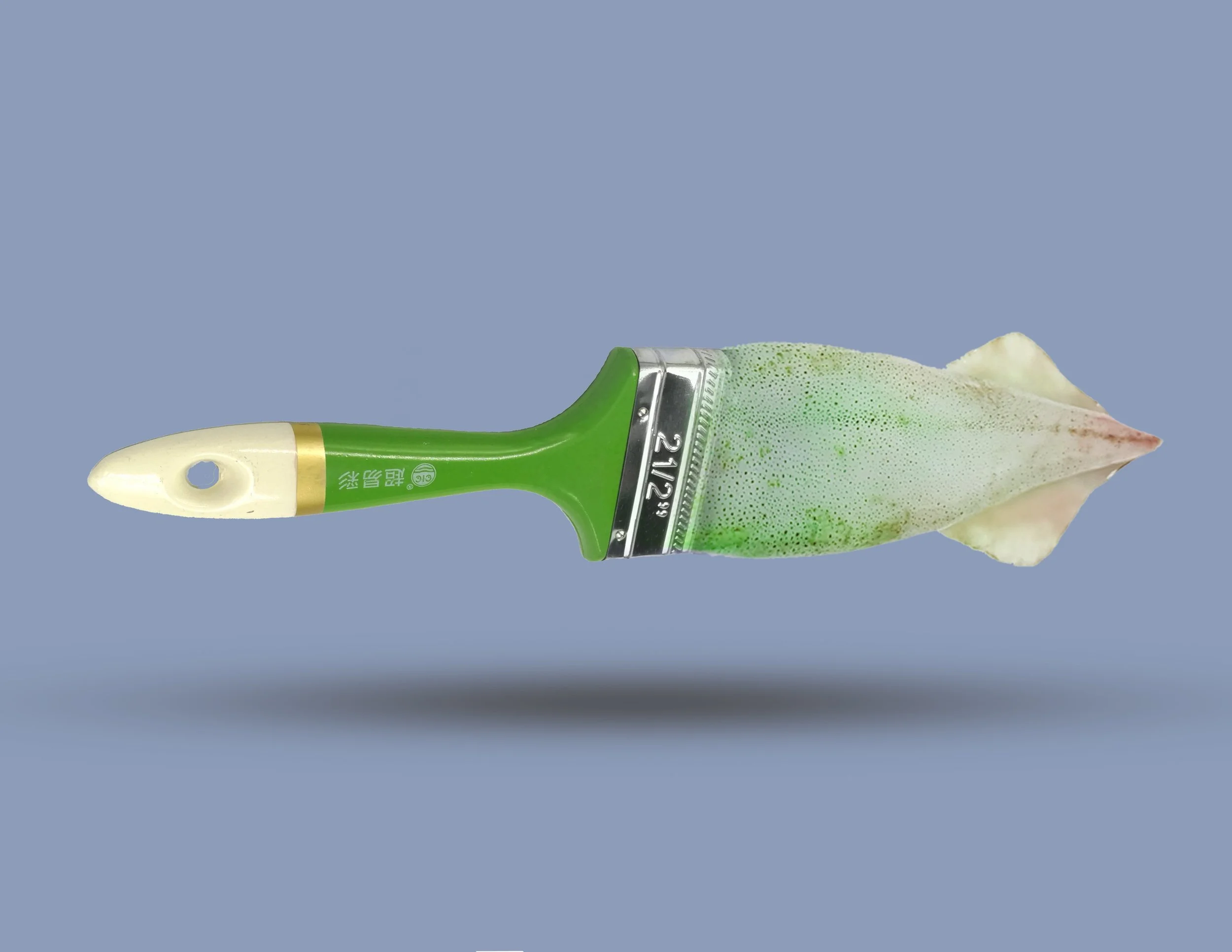
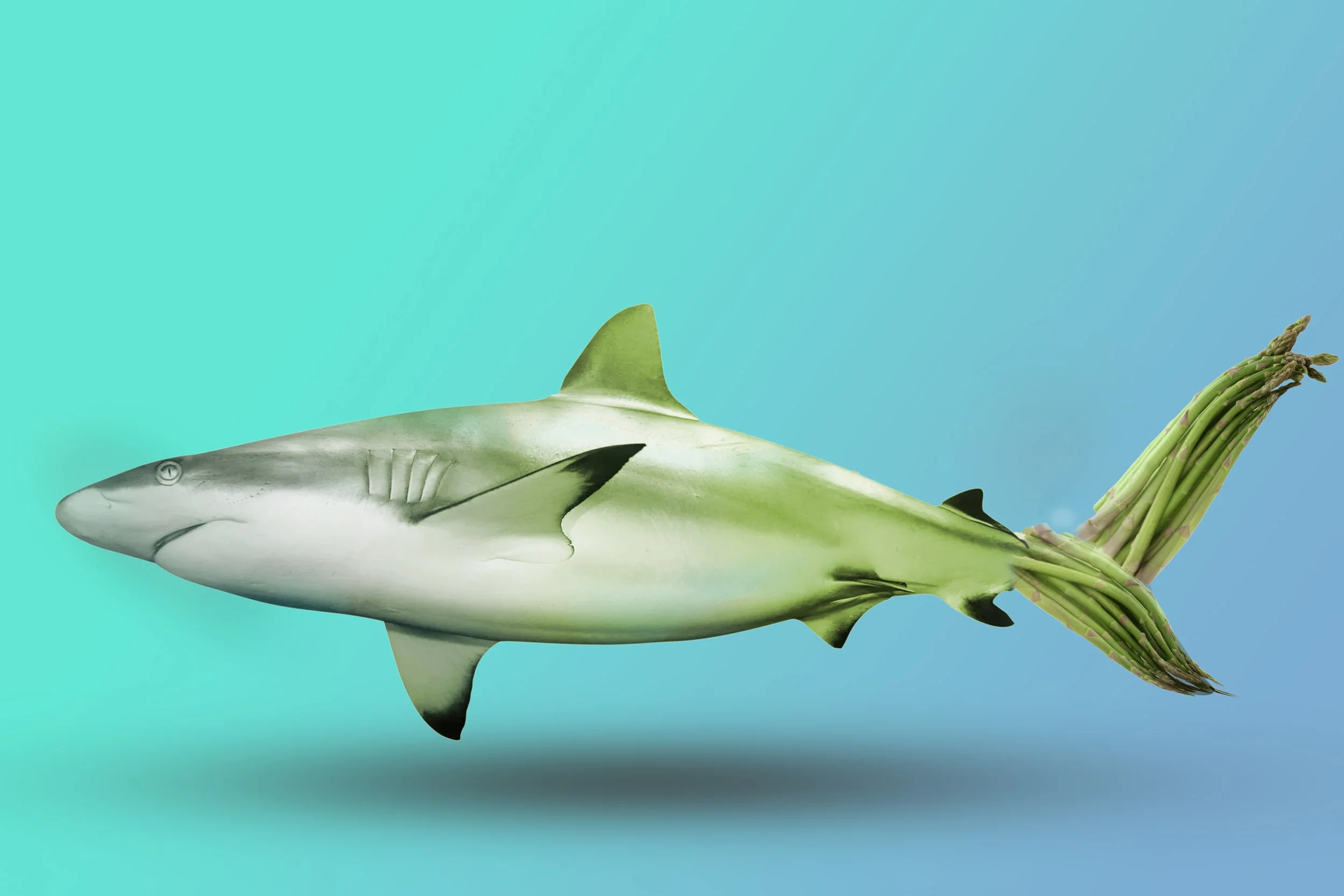
Students learned how to use the Layer Mask and Layer Adjustment tool in Photoshop to combine living and non-living images into one.